



一起来看一下成品:
准备工具
midjourney(https://www.midjourney.com/explore?tab=hot)
即梦(https://jimeng.jianying.com/ai-tool/)
nanobanana pro (https://gemini.google.com/)
豆包(https://www.doubao.com/chat/)
第一步:先扒官网素材:锁定品牌 “标志性细节”(不翻车关键!)
划重点:别随便搜图!直接去古驰官网扒对应系列的素材(https://www.gucci.com/us/en/)
挑选合适的品类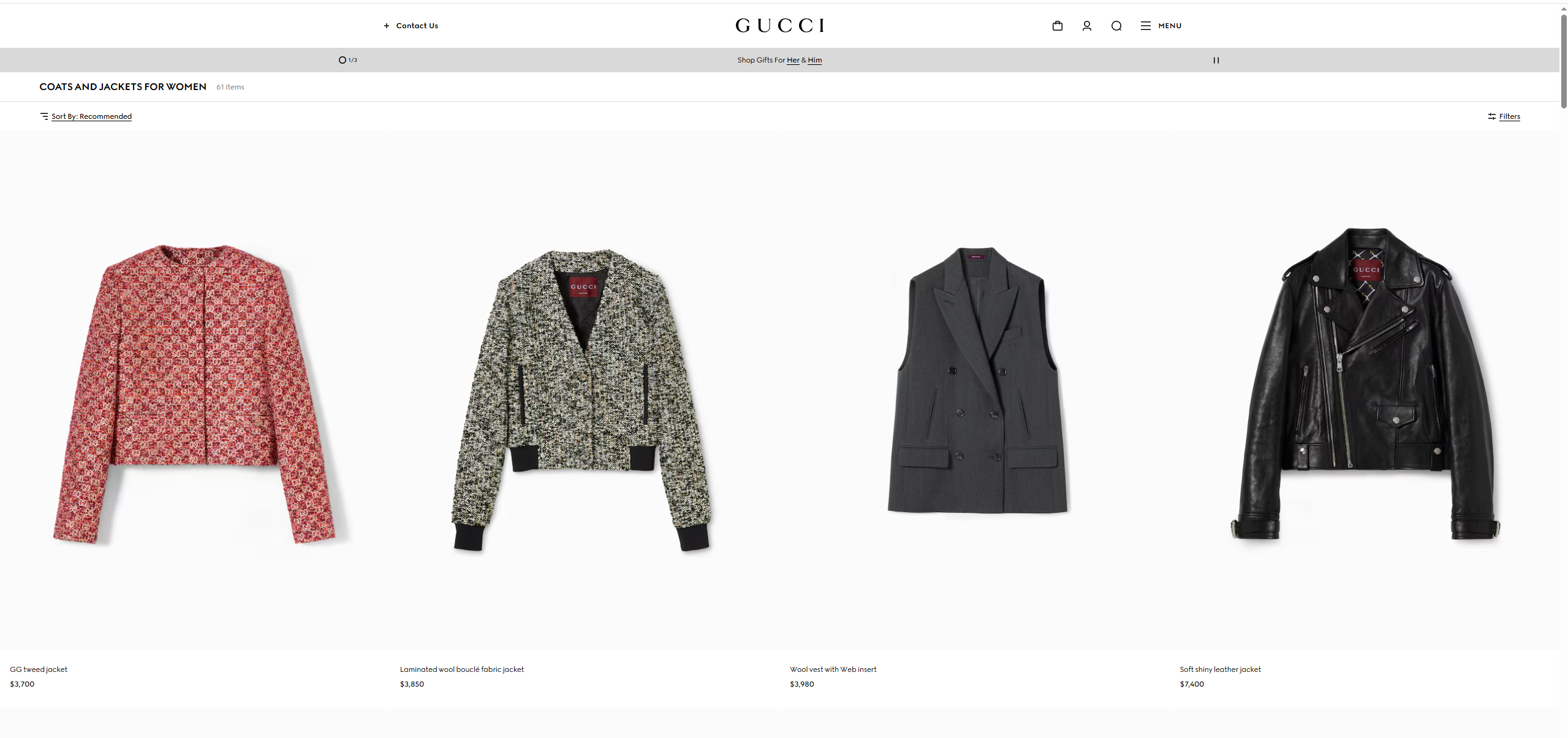
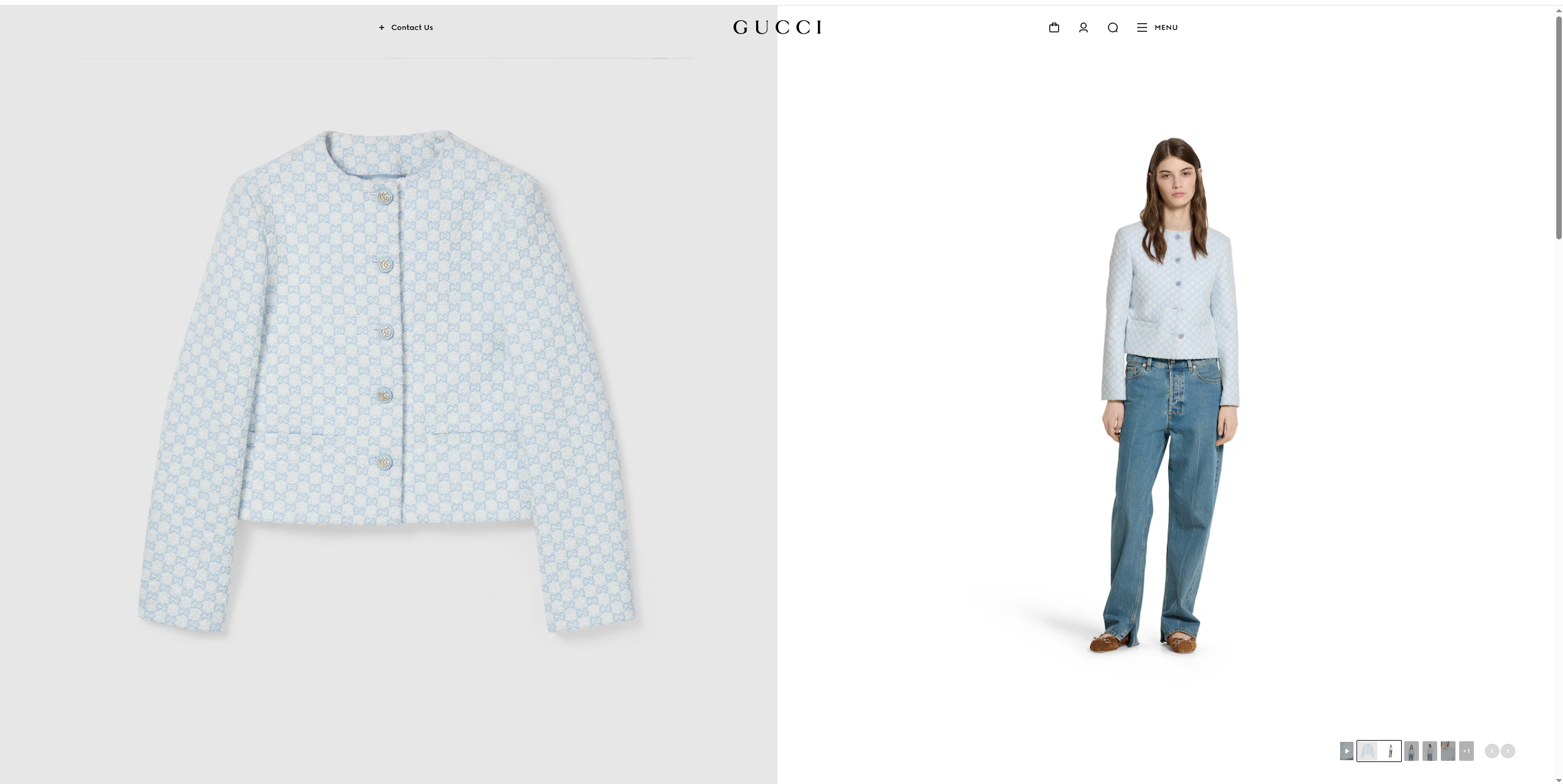
按F12调出开发者工具,随后按F5刷新
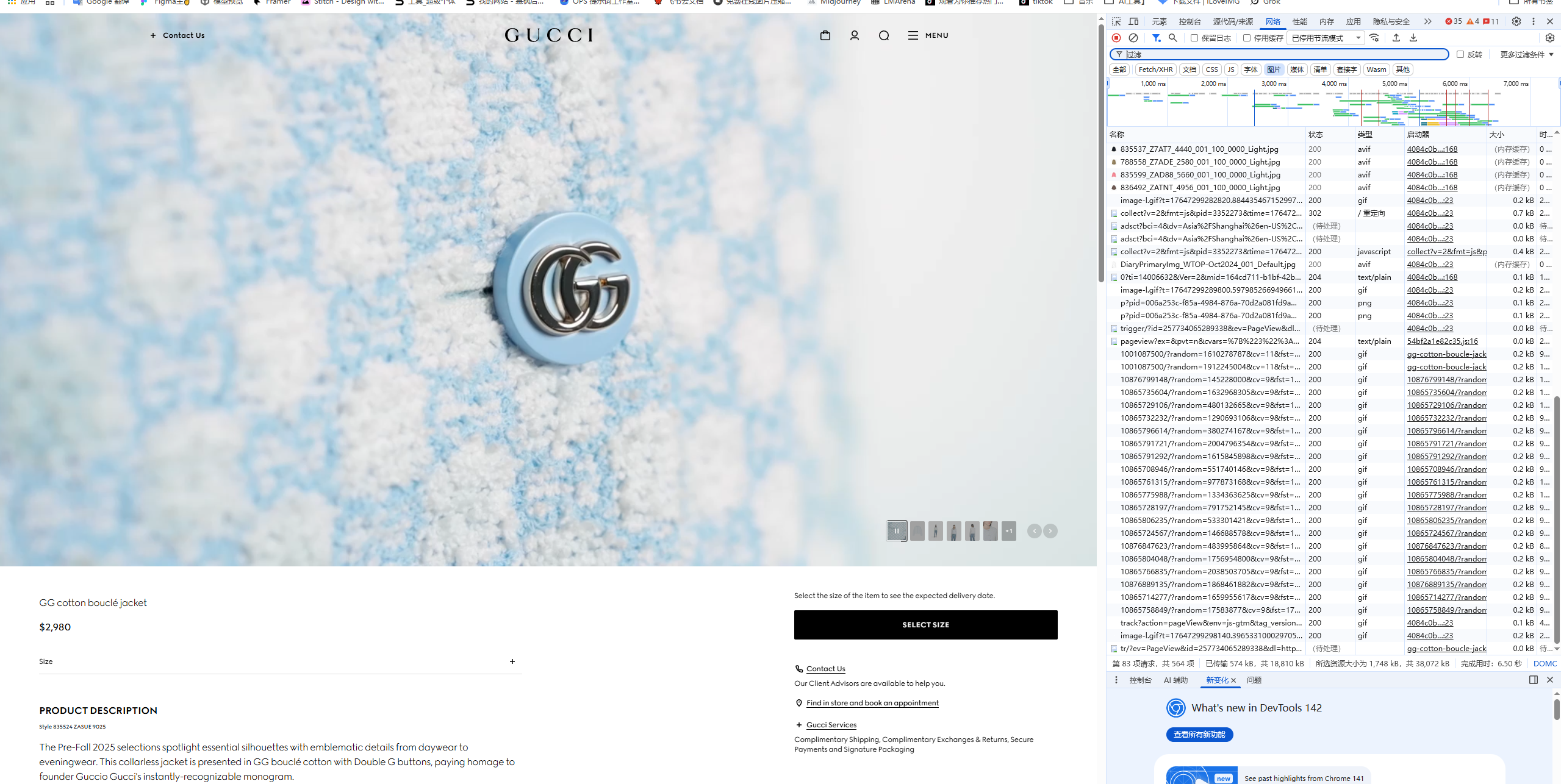
点击“图片”后,双击选择想要图片
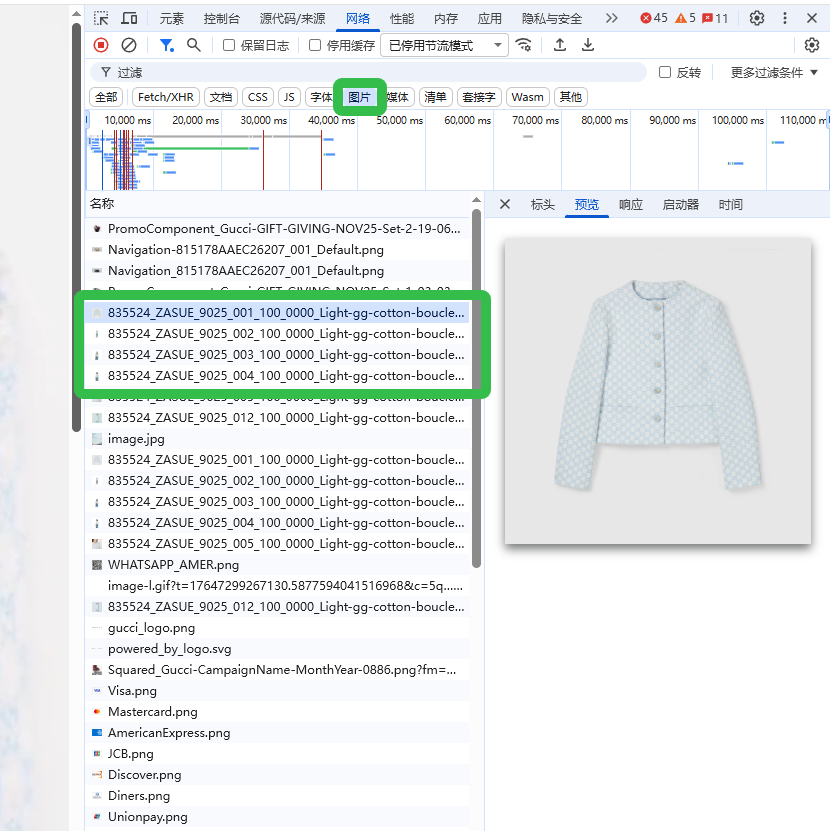
即可将图片另存为
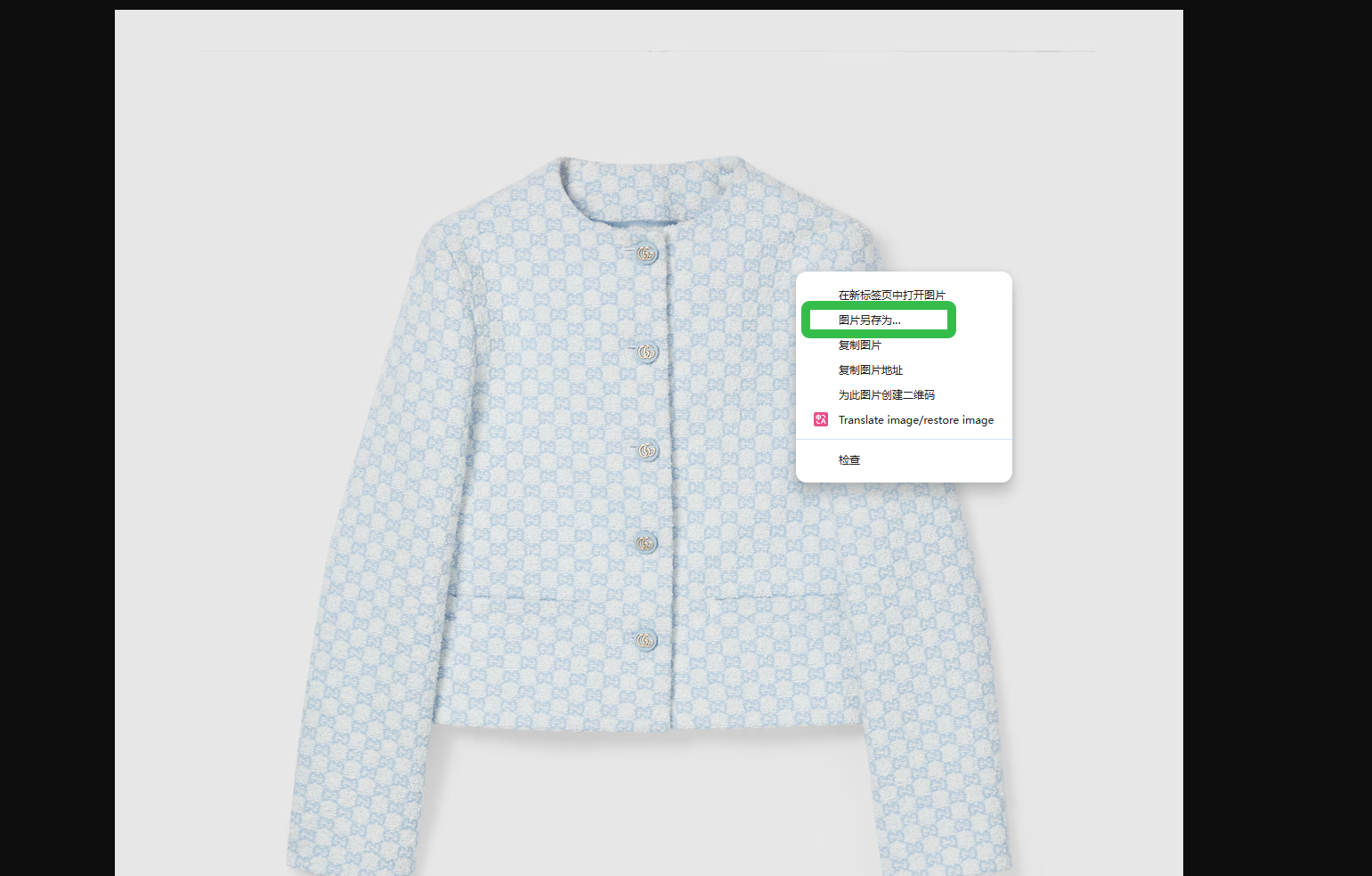
这样就能得到以下几张素材
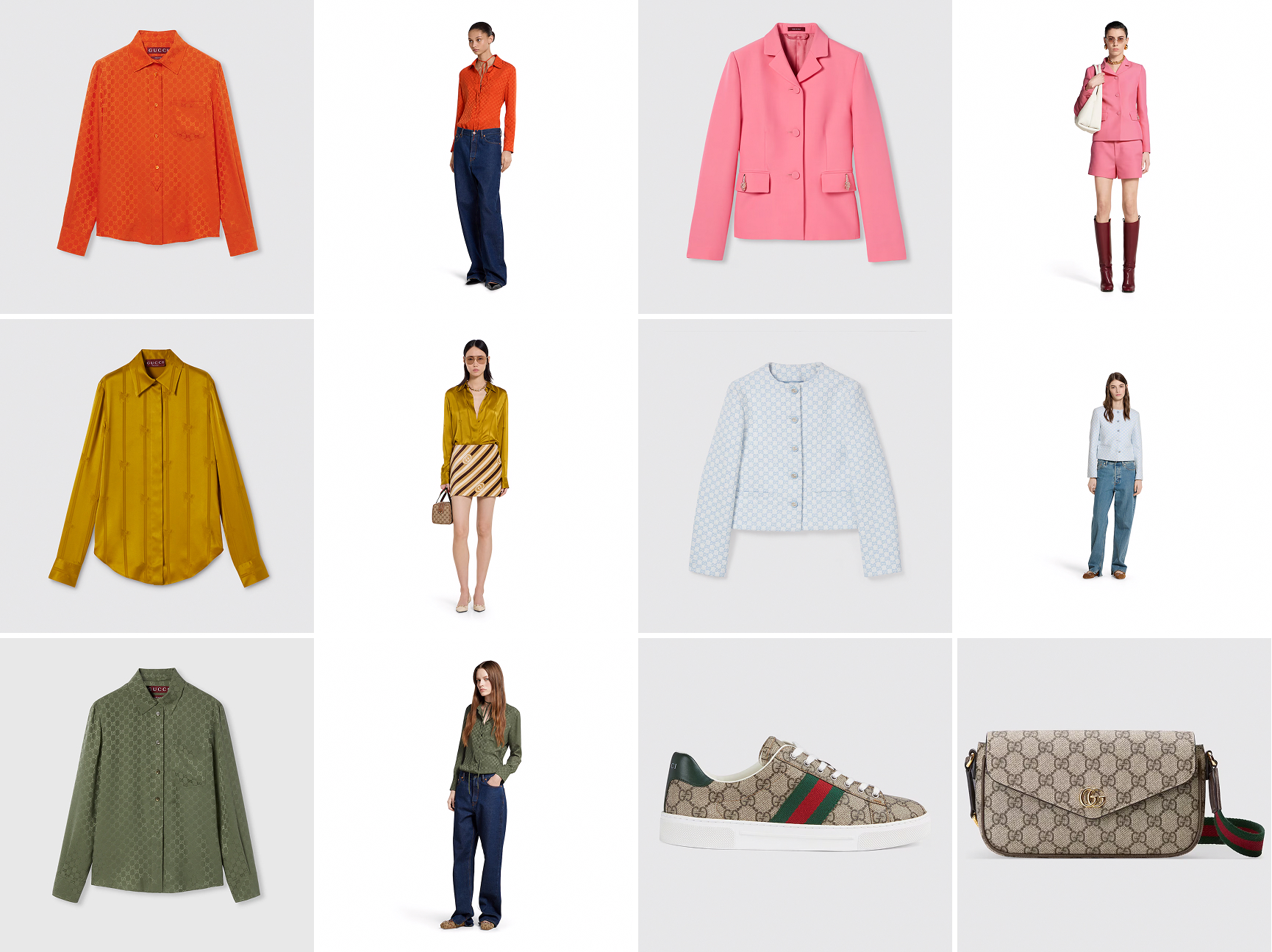
第二步:MidJourney 造大牌氛围感底图
提示词生成
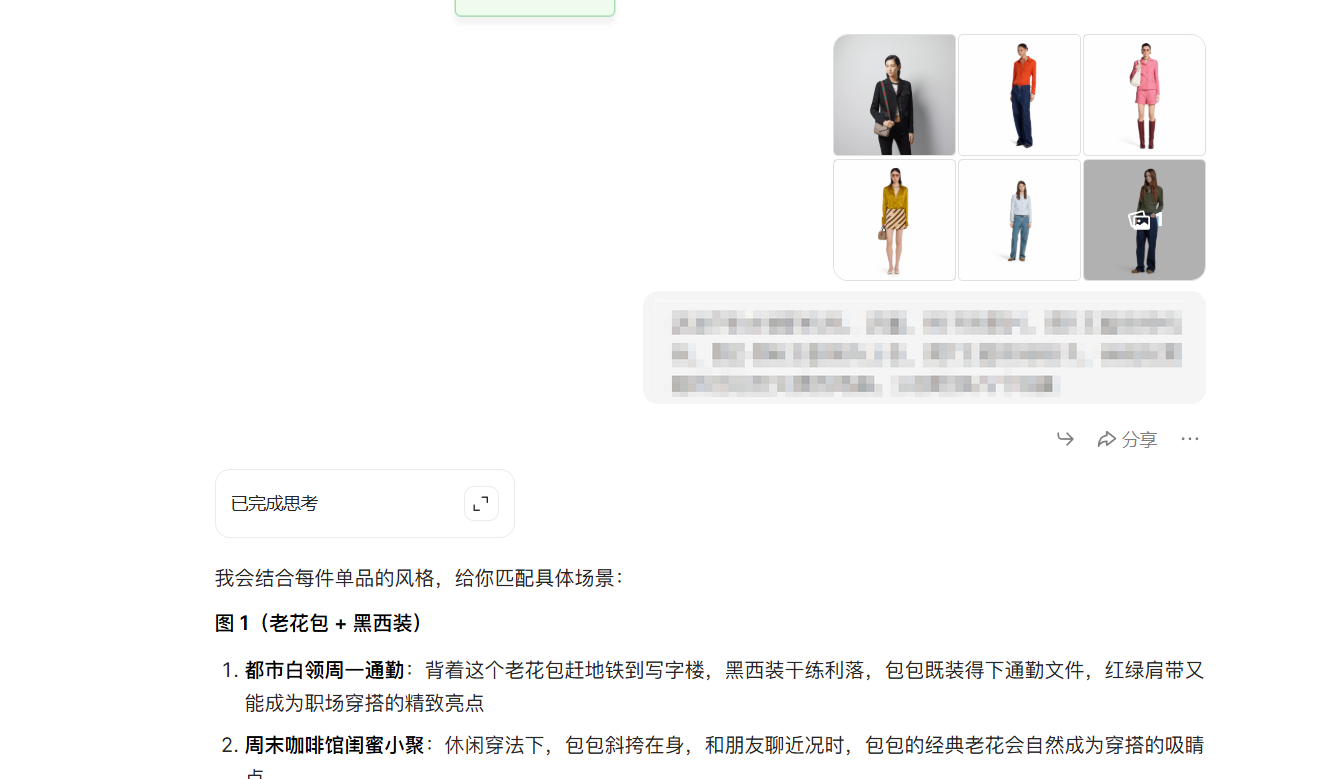
打开豆包,上传从官网拿到的图片
并输入提示词:
这是7张古驰的包包,衣服,鞋子的图片,图1主要宣传包包,图2-图6主要宣传上衣,图7主要宣传鞋子。我现在需要符合这些元素的场景。分别给我几个场景
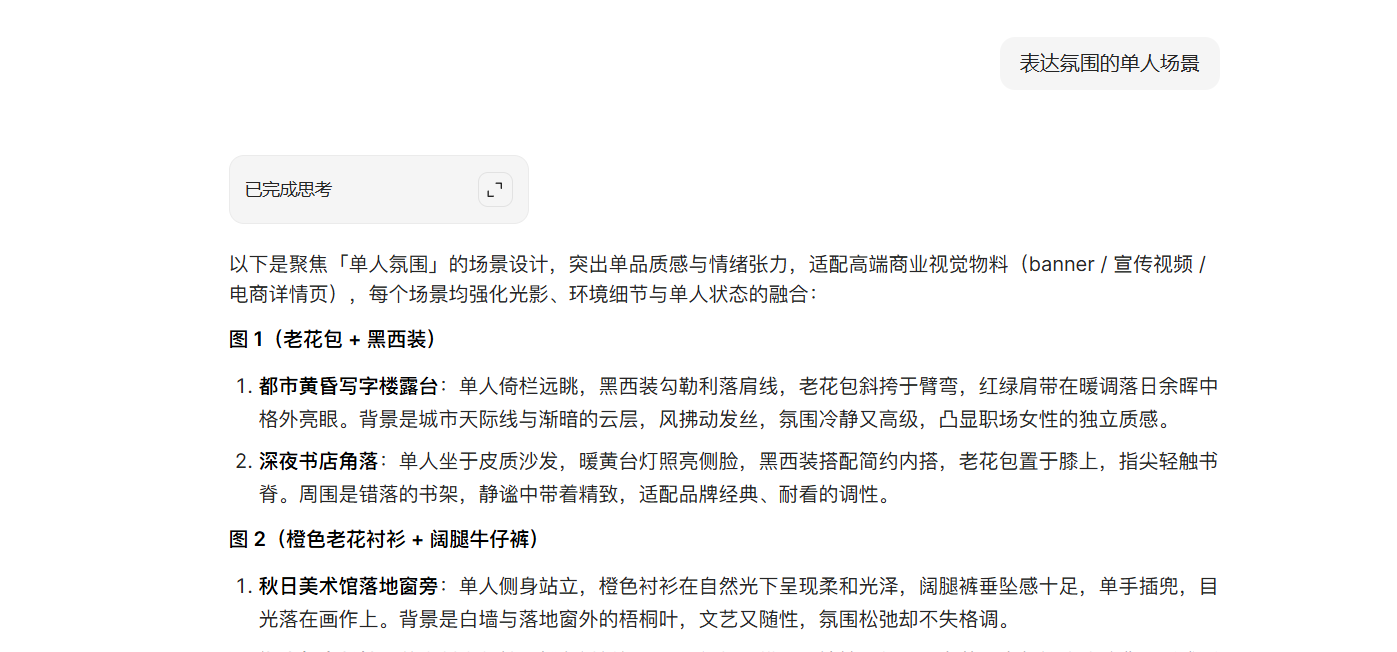
再次输入提示词:
表达氛围的单人场景
经过上面的2次提问,再输入提示词
分别把这七个图片14个场景,从主体/细节,环境/场景,风格,构图,镜头,色彩,渲染器/清晰度,这几个角度给我中英文ai提示词。并且适当的精简一点,最后将提示词归纳到一起。给我文案 ,不要生成图片。
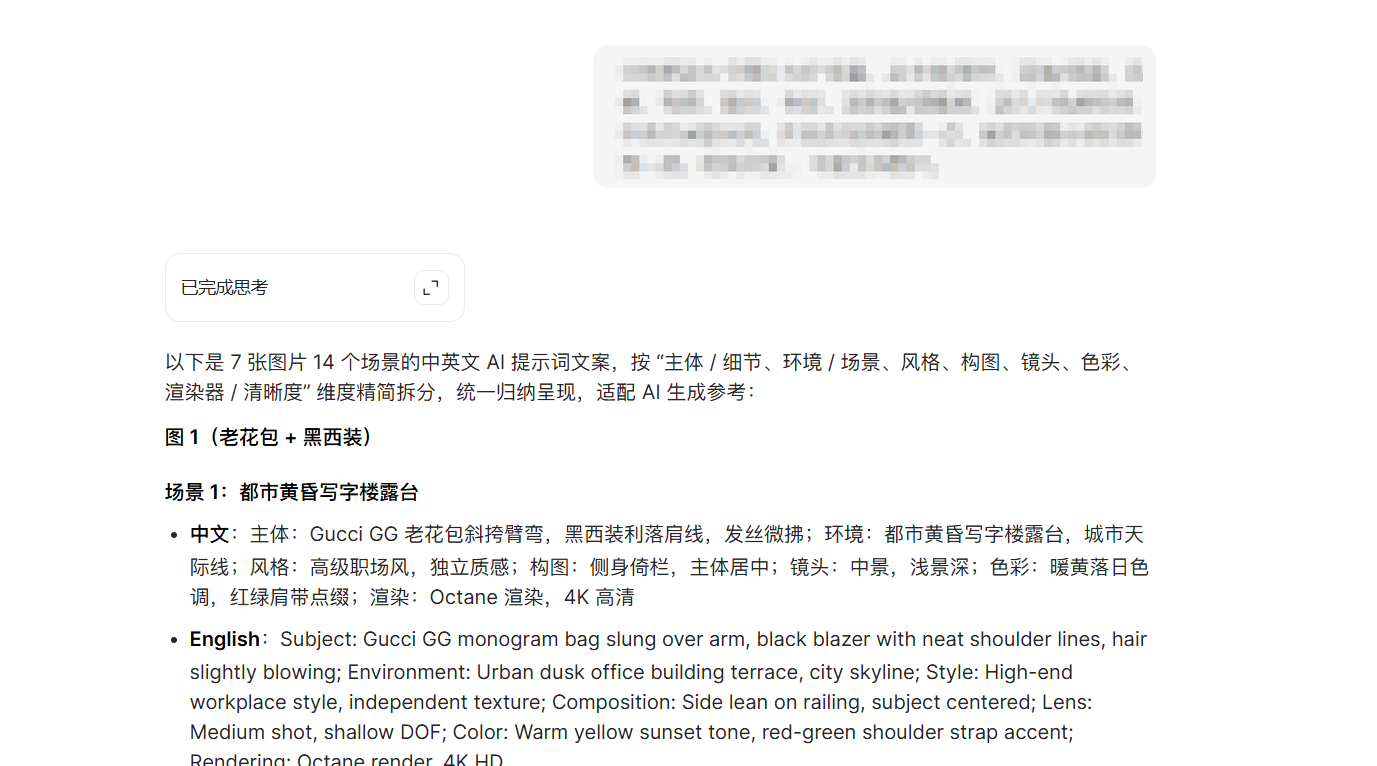
最后再输入提示词,就能得到所需的场景提示词:
把所有场景都改成超写实摄影风格,不要生成图片!!修改提示词。
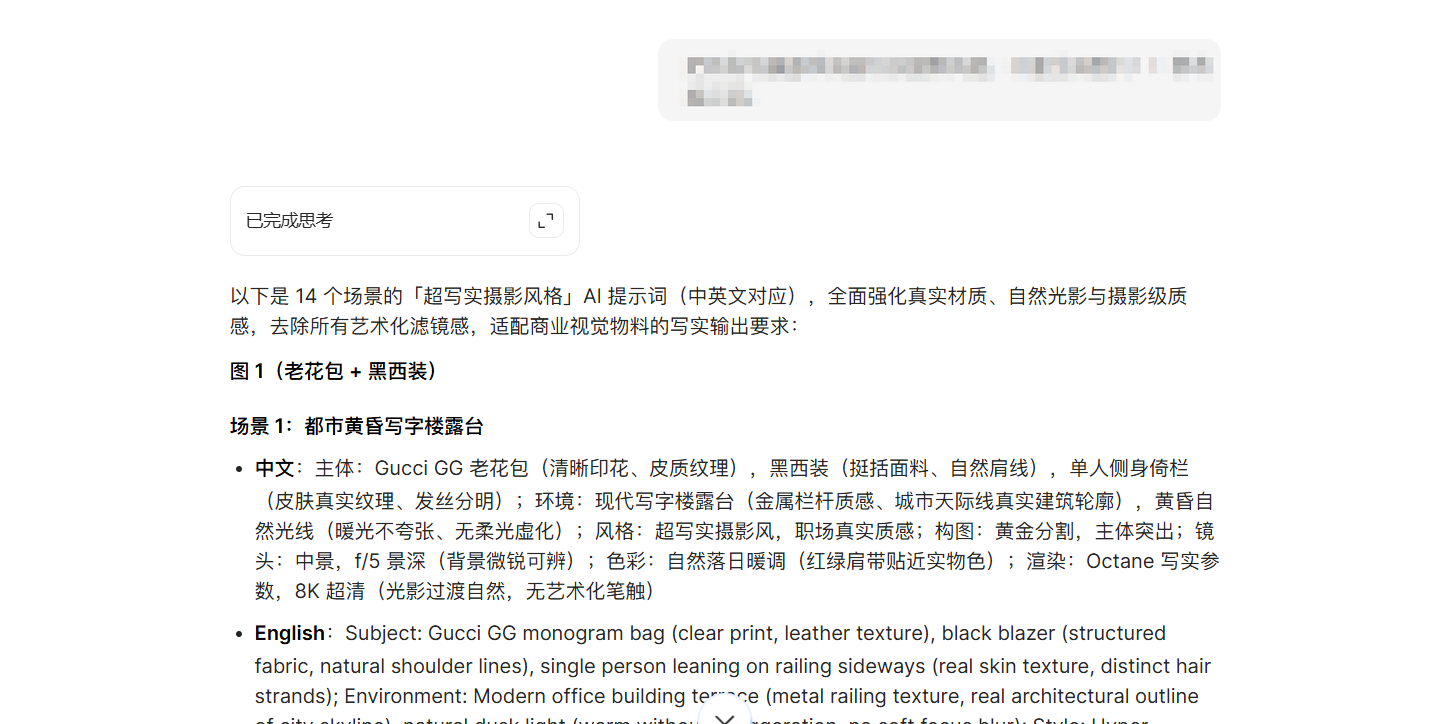
每张图片都有2个场景可以任你选择。这边将我自己的提示词展示出来。
带人物图片生成
图1(包包提示词)
Subject: Gucci GG monogram bag (clear print, leather texture), black blazer (structured fabric, natural shoulder lines), single person leaning on railing sideways (real skin texture, distinct hair strands); Environment: Modern office building terrace (metal railing texture, real architectural outline of city skyline), natural dusk light (warm without exaggeration, no soft focus blur); Style: Hyper-realistic photography style, authentic workplace texture; Composition: Golden ratio, subject prominent; Lens: Medium shot, f/5 depth of field (slightly sharp background); Color: Natural sunset warm tone (red-green shoulder strap true to actual color); Rendering: Octane realistic parameters, 8K ultra-clear (natural light transition, no artistic brushstrokes)
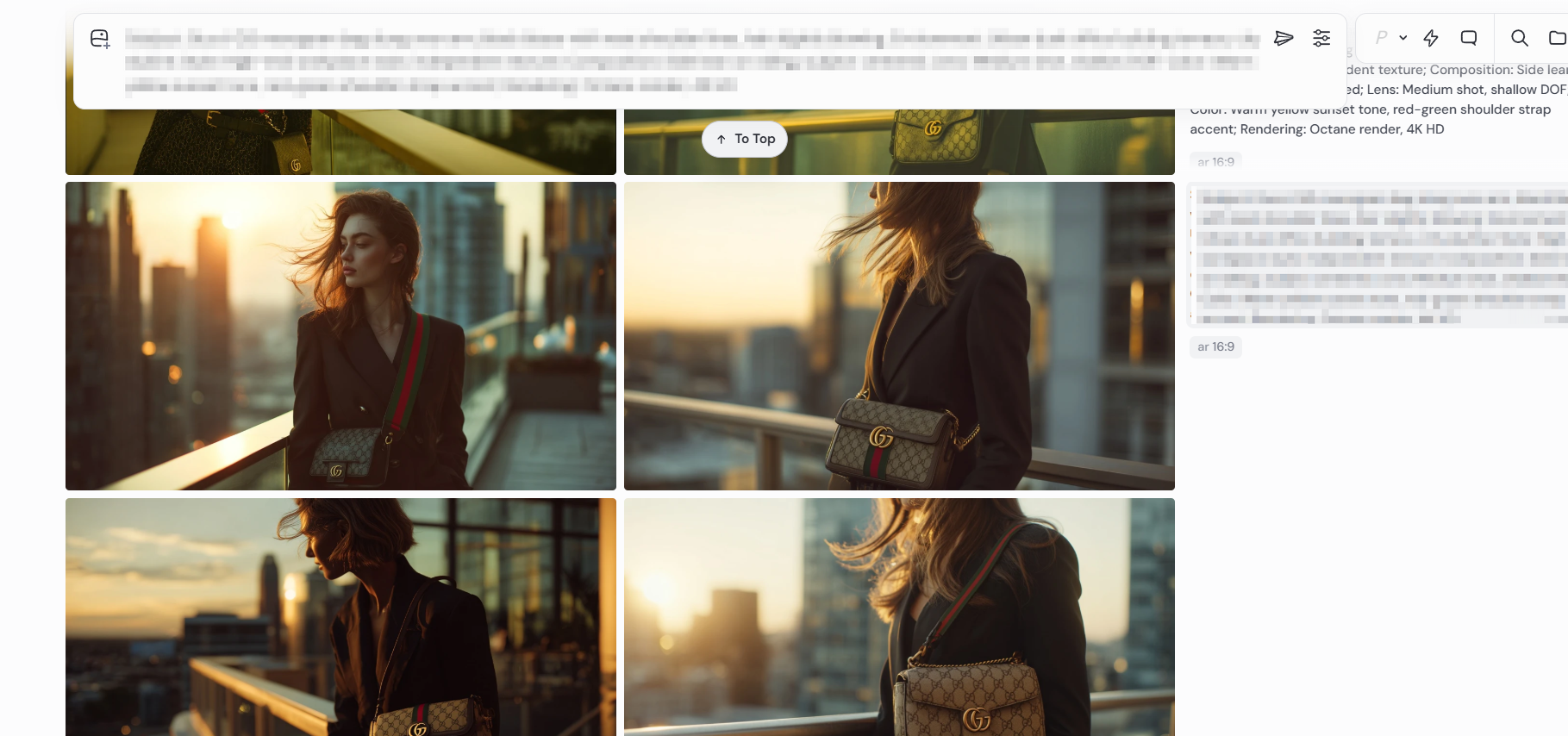
图2(橙色老花衬衫提示词)
Subject: Orange GG monogram cotton shirt (clear print, natural wrinkles, fabric texture), wide-leg jeans (cotton texture, real stitches), single person sideways (natural skin tone, hair details); Environment: Modern art gallery (matte white wall texture, transparent floor-to-ceiling window, plane tree leaves with clear veins outside), even natural light (no excessive soft light); Style: Hyper-realistic photography style, authentic outfit texture; Composition: Golden ratio, side standing; Lens: Medium shot, f/4.5 depth of field (slightly sharp background); Color: Natural daylight color (orange true to actual, warm brown plane tree leaves not exaggerated); Rendering: Octane realistic parameters, 8K ultra-clear (natural clothing texture/light transition, no oil painting vibe)
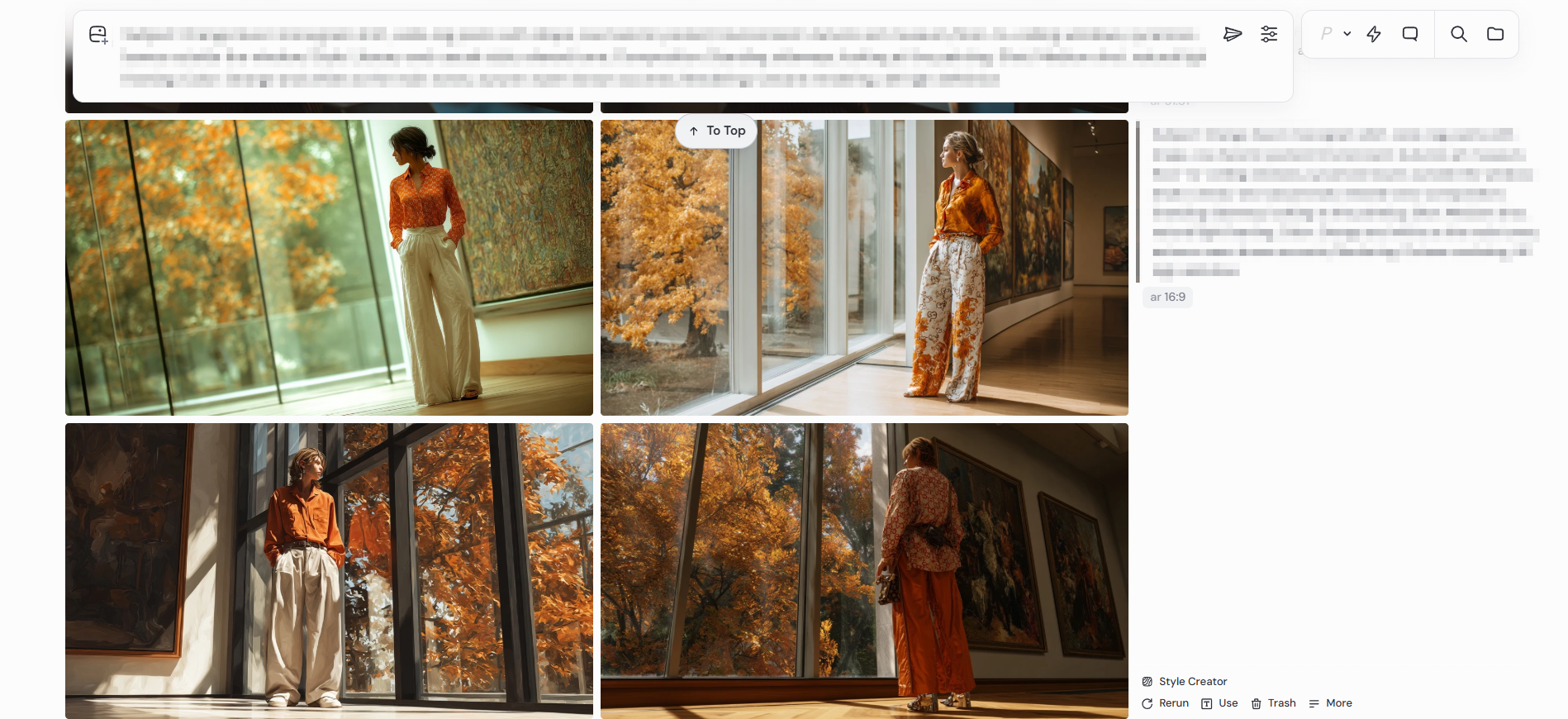
图3(粉色西装套装提示词)
Subject: Pink suit (waterproof fabric texture, slight water droplet reflection), burgundy boots (leather waterproof luster, real splashes when stepping on puddles), single person holding transparent umbrella (umbrella surface water droplet details); Environment: Rainy night terrace (natural reflection of wet ground, real lights of city night view); Style: Hyper-realistic photography style, authentic rainy night atmosphere; Composition: Central composition, subject prominent; Lens: Medium shot, f/5.6 depth of field; Color: Natural cool tone (pink not obtrusive, street lamp warm light accent authentic); Rendering: V-Ray realistic parameters, 8K ultra-clear (natural water droplet details and light reflection)
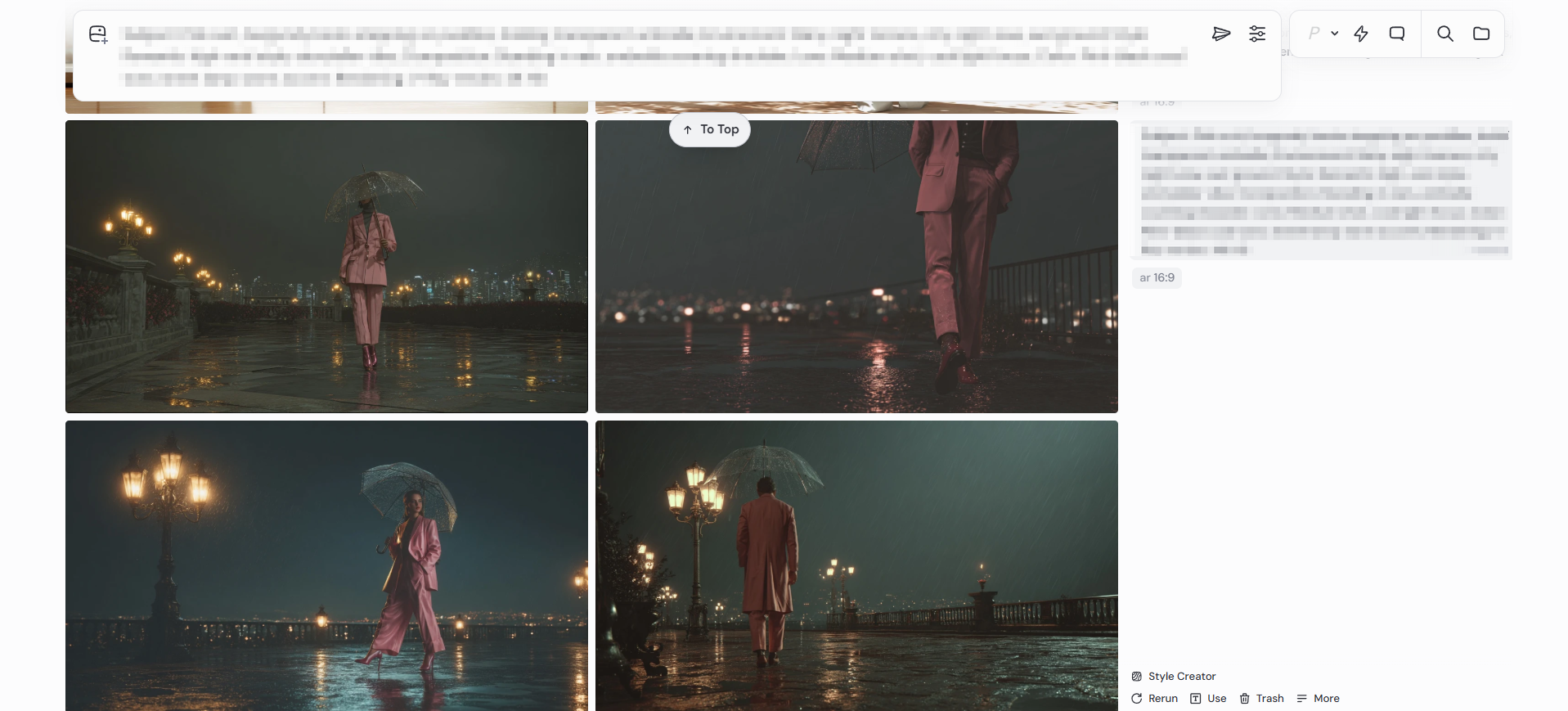
图4(姜黄缎面衬衫提示词)
Subject: Turmeric satin shirt (natural local light reflection), GG stripe monogram skirt (clear stitches), single person touching wall (fingers fitting wall texture, natural posture); Environment: Retro hotel corridor (real carpet texture, soft wall lamp light without diffusion); Style: Hyper-realistic photography style, elegant authentic texture; Composition: Standing against wall, golden ratio; Lens: Close-up, f/4 depth of field; Color: Natural turmeric + beige-brown (retro tone true to actual); Rendering: V-Ray realistic parameters, 8K ultra-clear (clear skin texture and clothing texture)
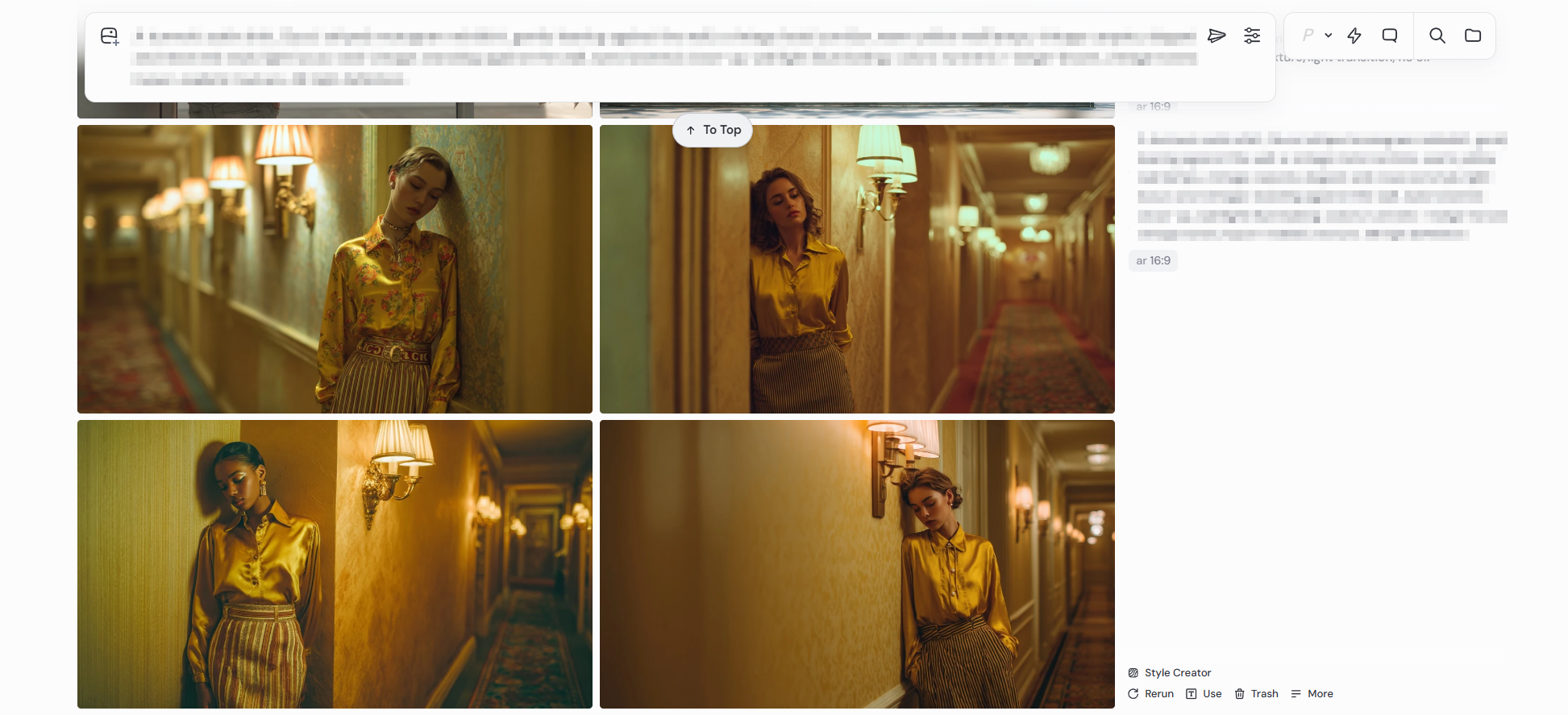
图5(浅蓝老花短外套 提示词)
Subject: Subject: Light blue GG monogram short coat (clear print, cotton texture), wide-leg jeans (natural wrinkles, cotton texture), single person cross-legged (real skin texture, natural grass indentation); Environment: Spring lawn (real grass blade texture, scattered wildflower details), diffused natural light (bright not dazzling); Style: Hyper-realistic photography style, fresh daily texture; Composition: Lower frame composition, subject prominent; Lens: Medium shot, f/5 depth of field; Color: Natural light blue + grass green (spring tone true to actual); Rendering: Octane realistic parameters, 8K ultra-clear (clear clothing texture and grass blade details)
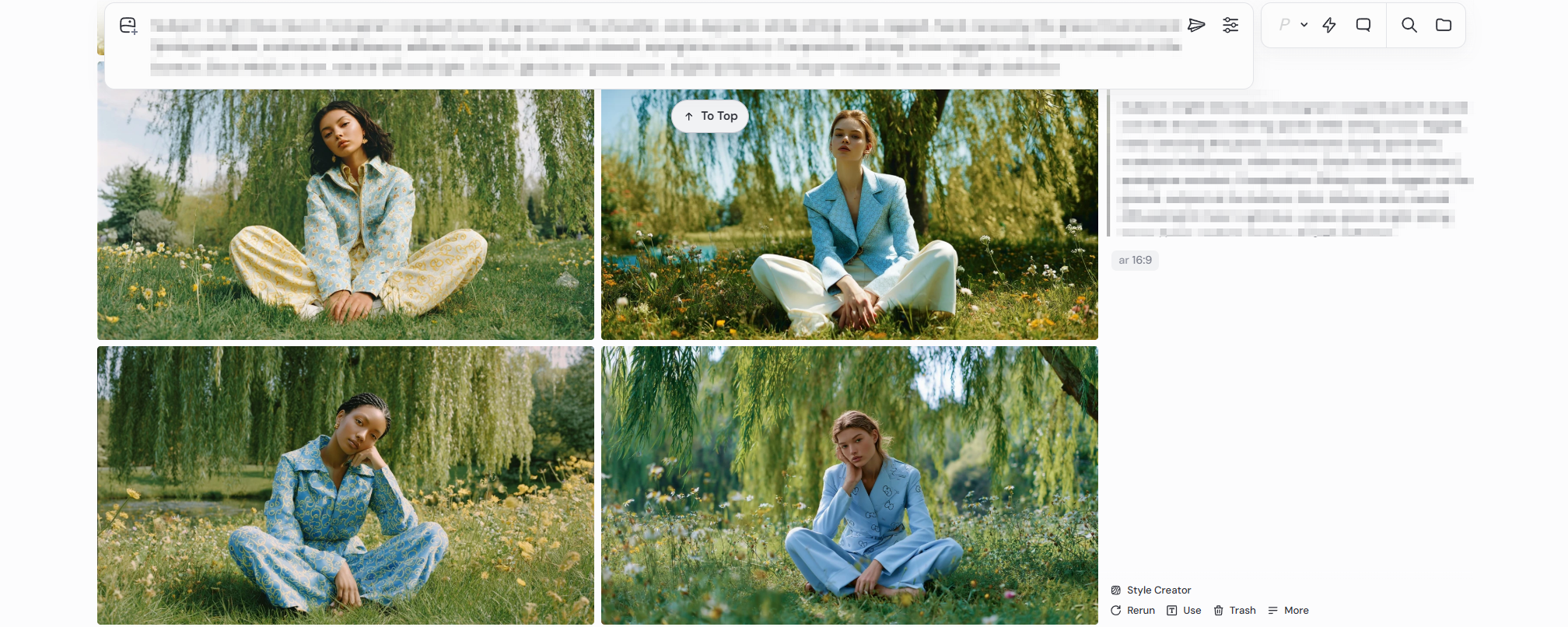
图6(军绿老花衬衫提示词)
Subject: Army green GG monogram shirt (cotton texture, natural wrinkles tucked into pants), dark blue wide-leg pants (drape texture, clear stitches), single person moving forward (natural gait, real posture stepping on leaves); Environment: Autumn street (golden fallen leaf real texture, retro street lamp metal texture), natural light irradiation (warm without exaggeration); Style: Hyper-realistic photography style, retro daily texture; Composition: Side moving forward, empty space framing; Lens: Medium shot, f/5 depth of field; Color: Natural army green + golden (autumn tone true to actual); Rendering: Octane realistic parameters, 8K ultra-clear (clear clothing texture and fallen leaf details)
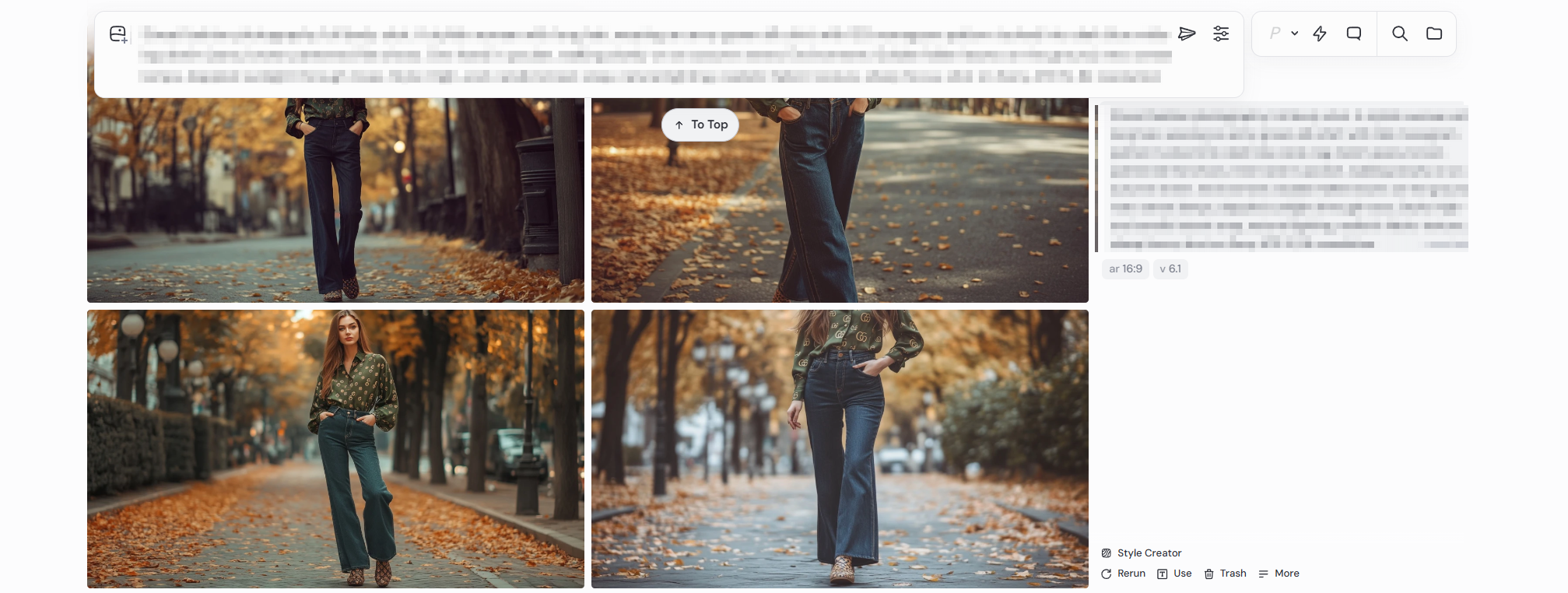
图7(红绿条纹运动鞋提示词)
Subject: Gucci GG red-green stripe sneakers (clear stripes, leather/fabric texture), wide-leg jeans (cotton texture, natural wrinkles), white T (simple texture), single person leaning on railing (natural posture, real skin tone); Environment: Urban overpass (metal railing texture, real traffic light trails), natural sunset light (orange-pink tone true to actual); Style: Hyper-realistic photography style, cool daily texture; Composition: Leaning on railing gazing far, central composition; Lens: Medium shot, f/5.6 depth of field; Color: Natural red-green + orange-pink (contrast not exaggerated); Rendering: Octane realistic parameters, 8K ultra-clear (real shoe shape texture and light trails)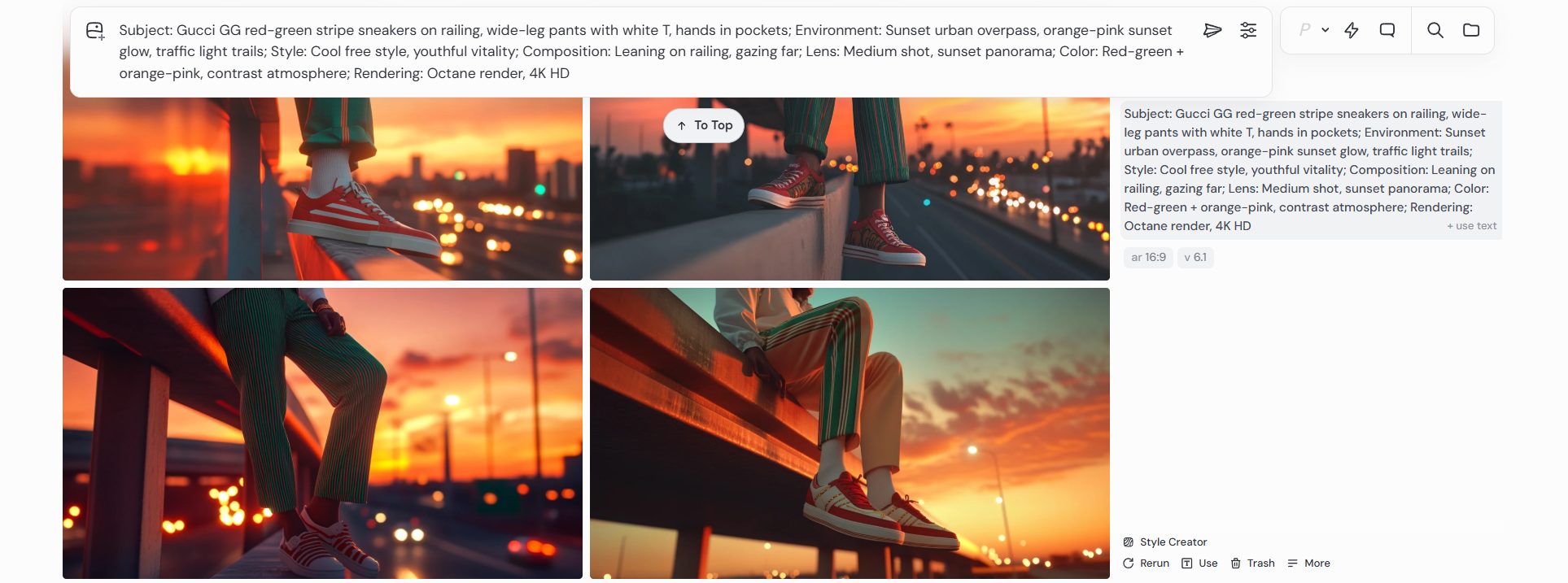
空镜图片生成
结合我前面所生成的图片,我联想到了多个空镜的画面,例如“秋日落叶”,“雨夜”,“城市落日”,“车流”等多个空镜。
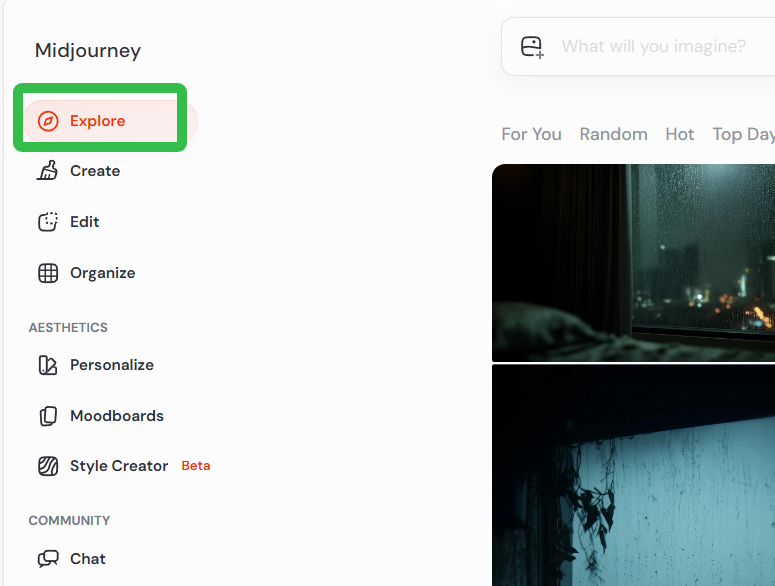
有了这些联想,就可以直接在midjourney社区里直接搜索合适的图片,使用他们的提示词进行生成。
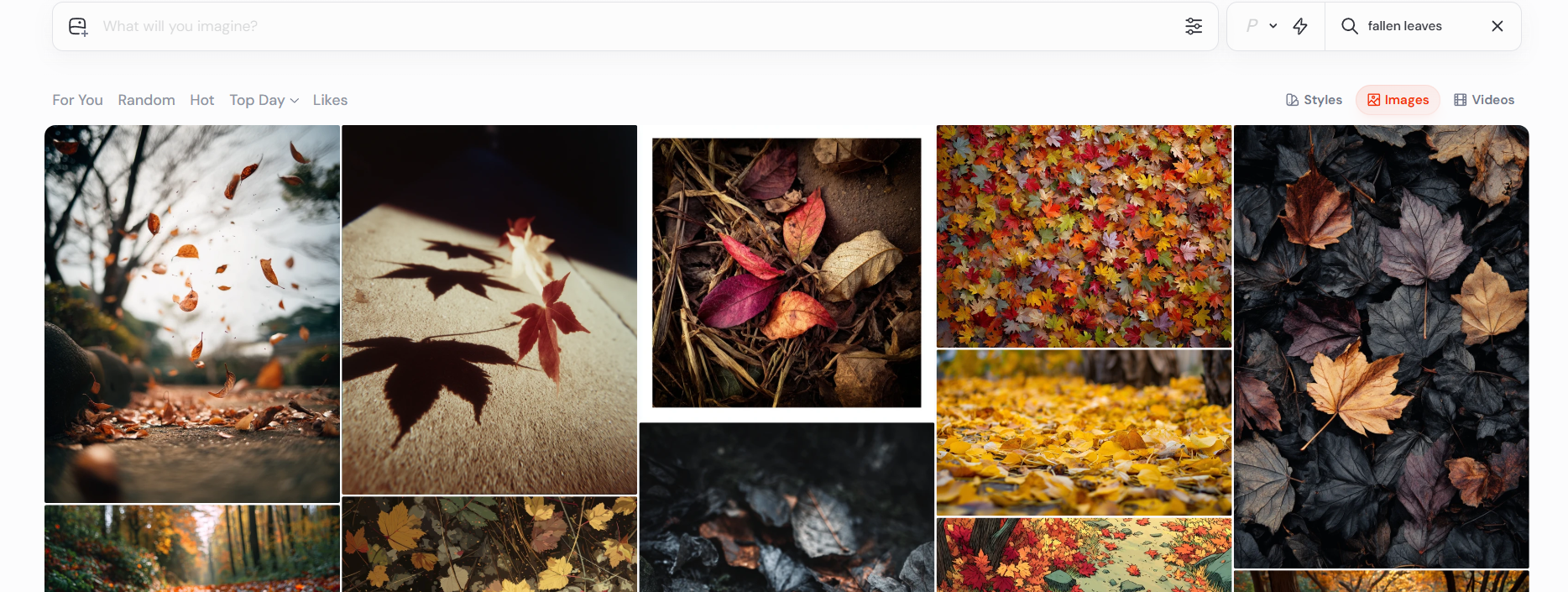
秋日落叶
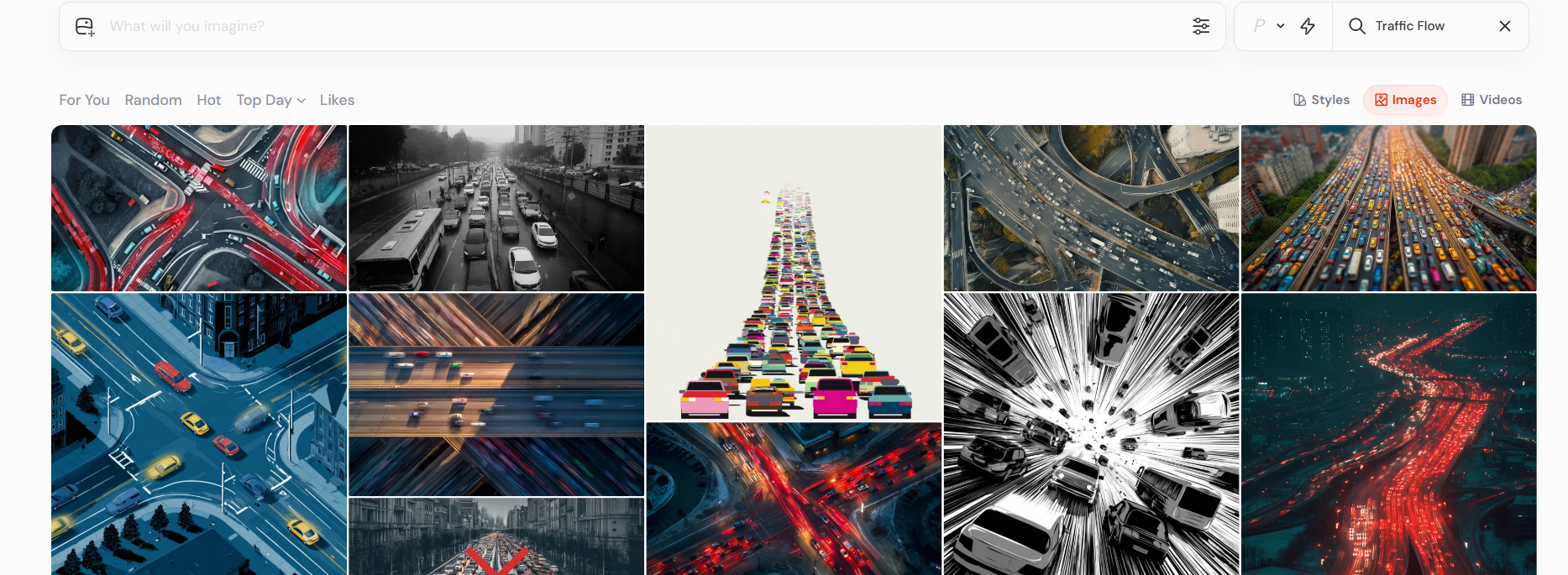
车流
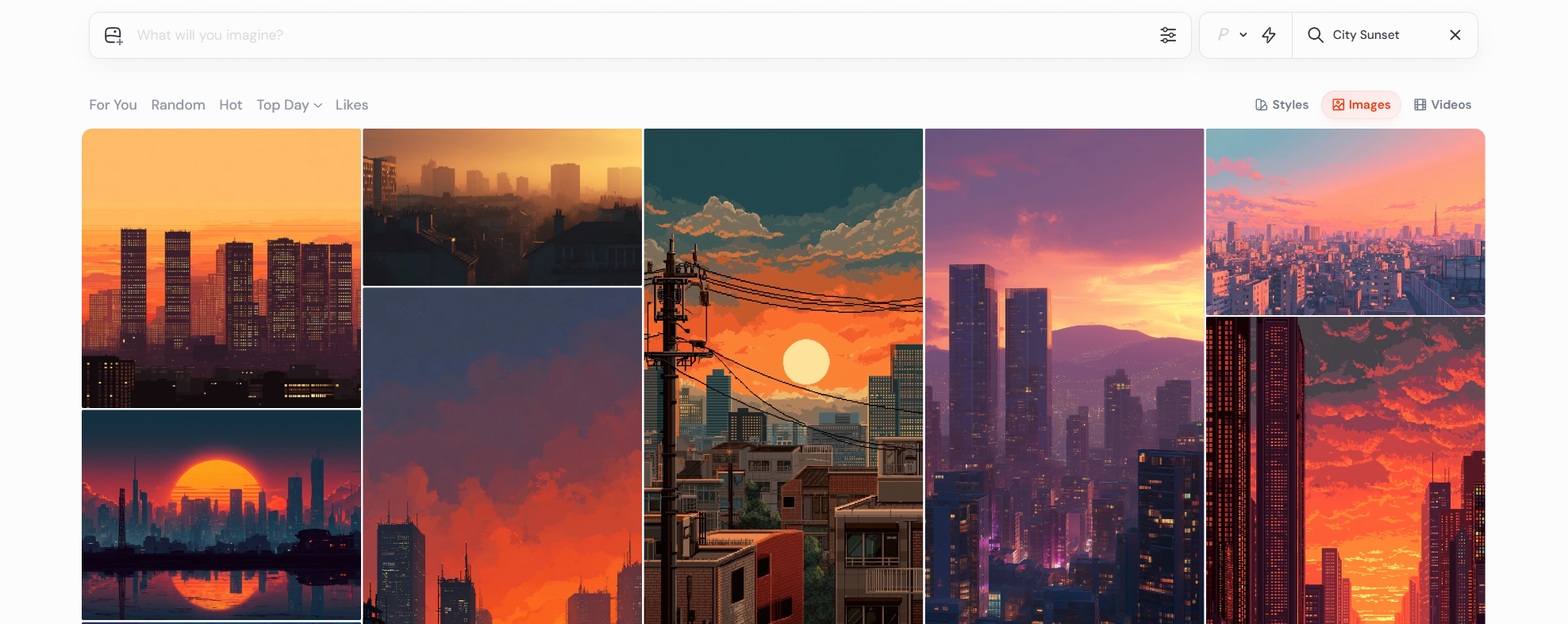
城市落日
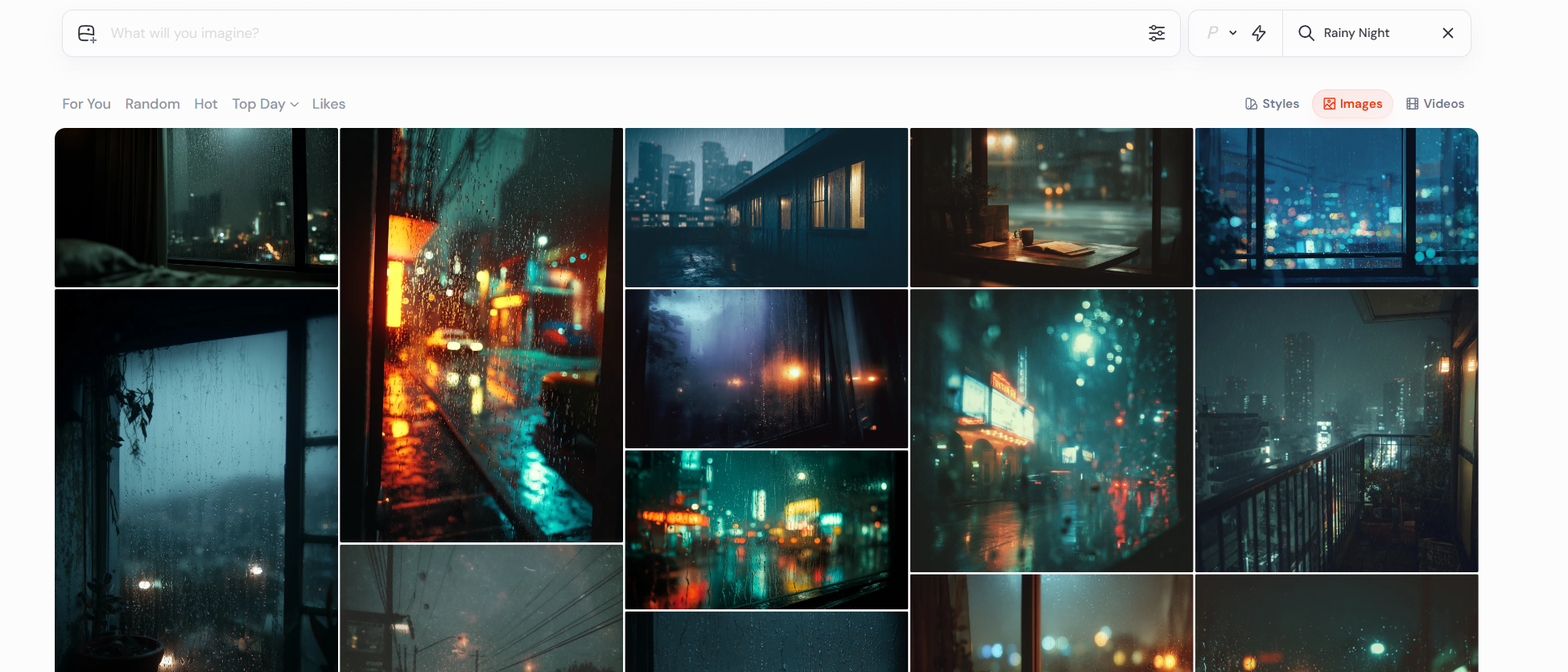
雨夜
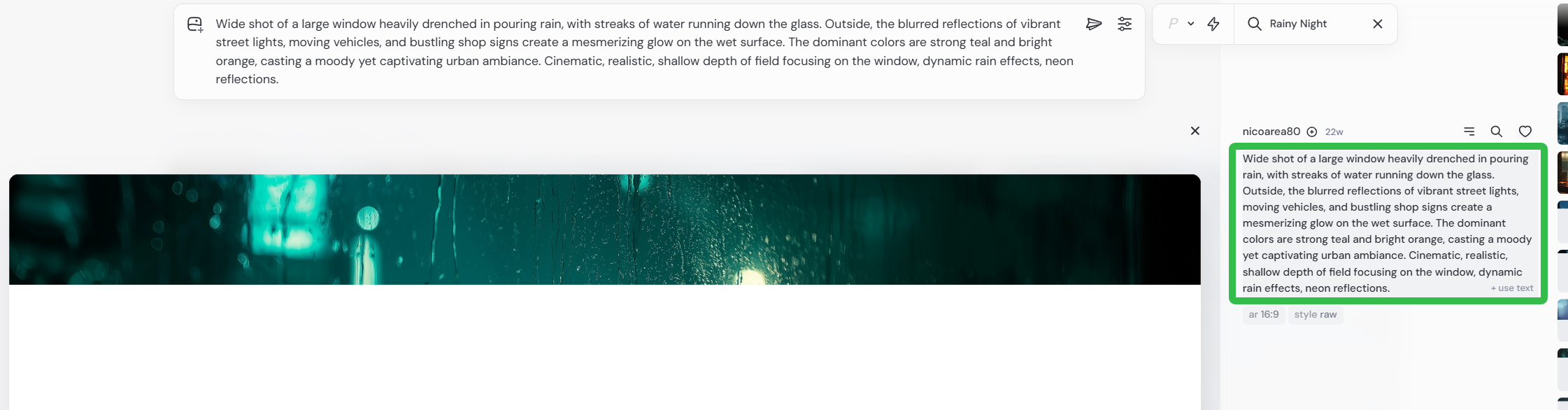
直接点击复制提示词进行生成
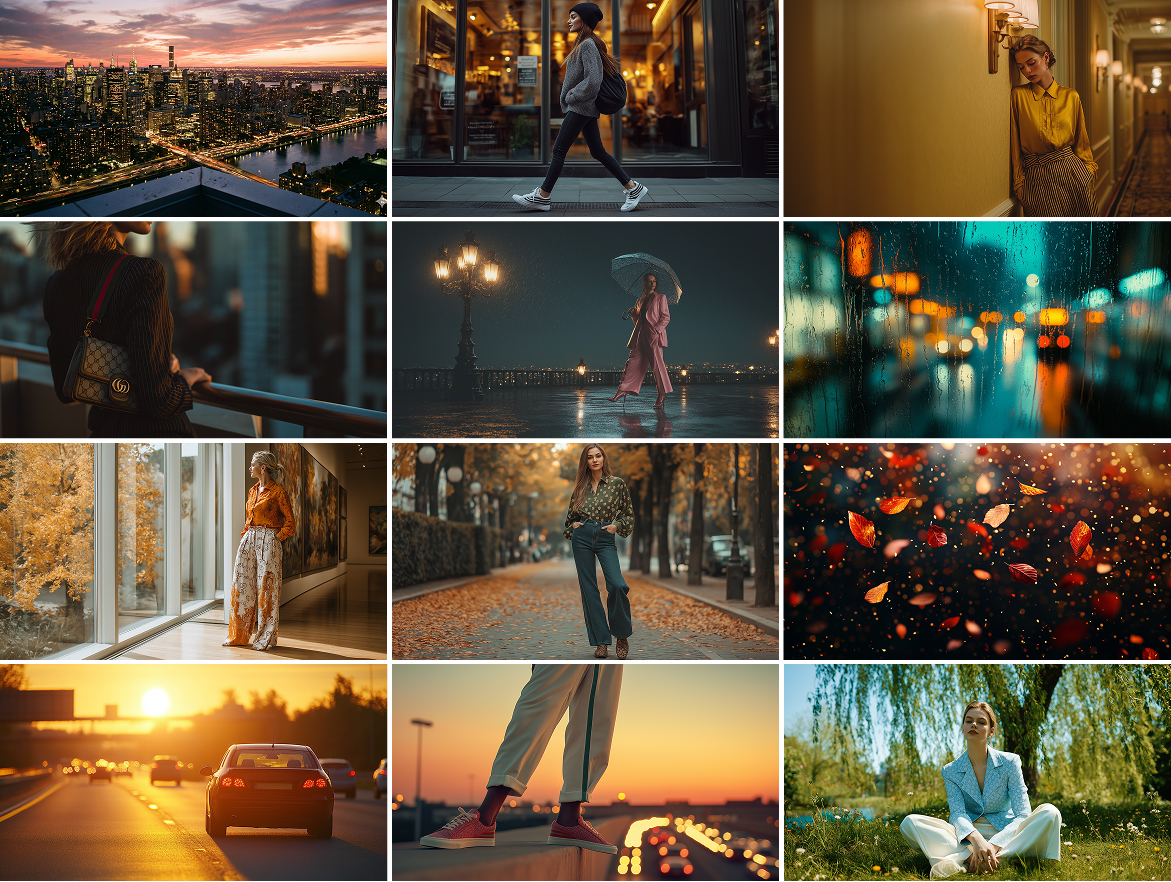
最后得到以下多张图片
第三步:Nanobanana Pro 无缝换品,还原品牌质感
直接进入谷歌gemini官网
选择生成图片
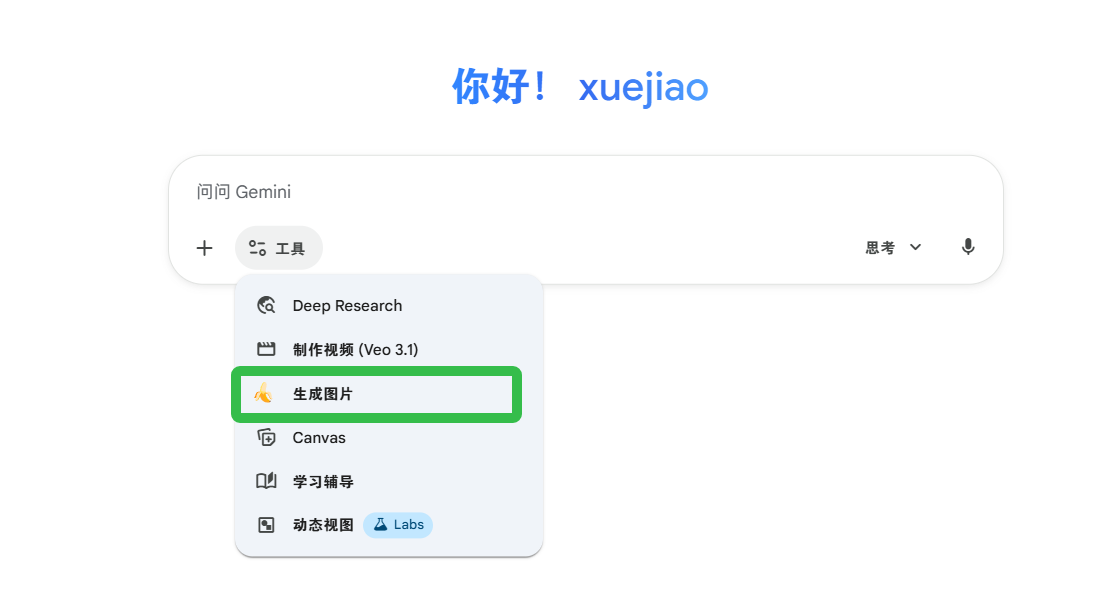 上传官网素材和生成的图片,输入提示词(可以直接使用自然语言,ai也能听懂。画面比例也可以通过提示词控制)
把图1中女人的包改成图2的包
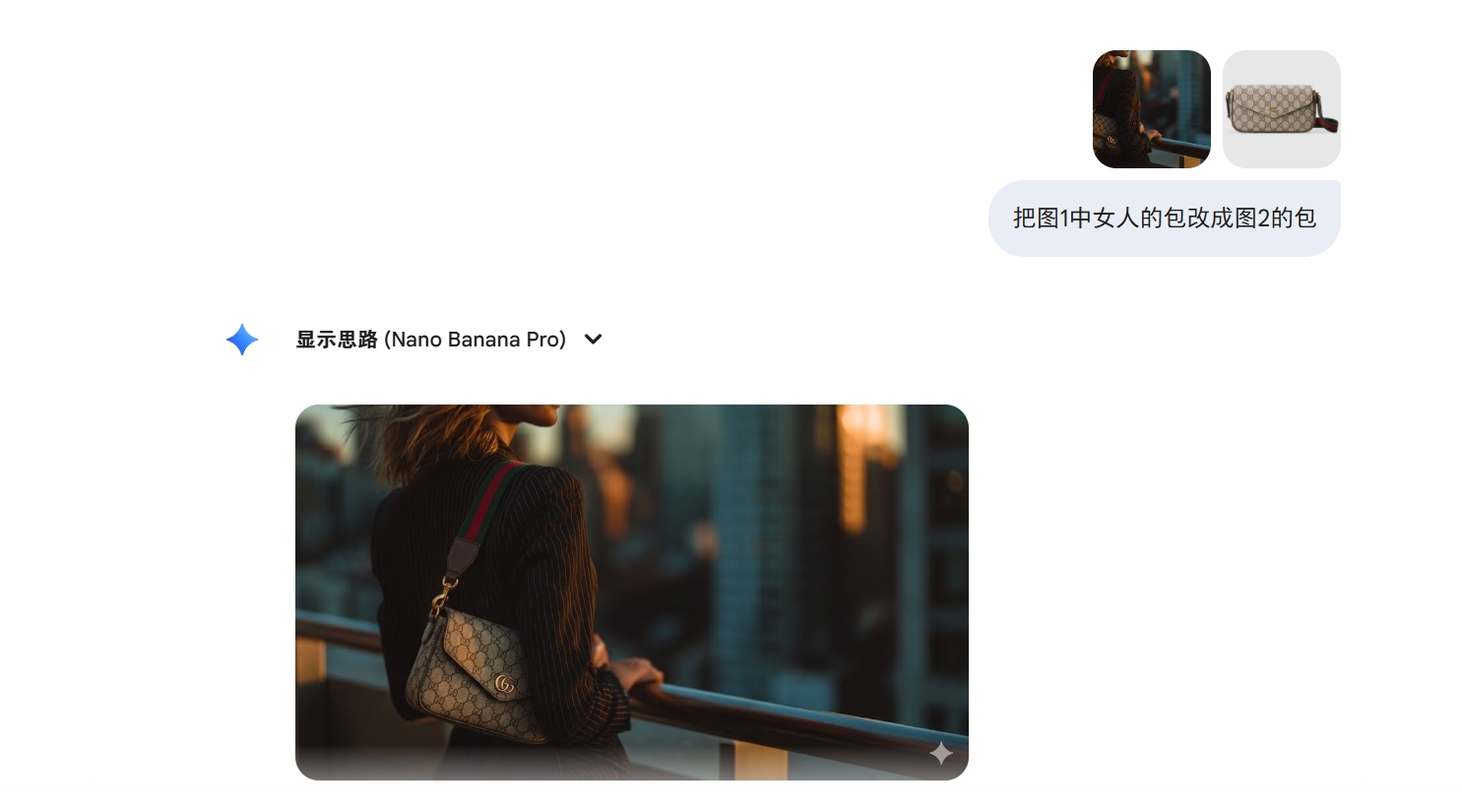
提示词:
把图2女人的衣服和裤子替换成图1的衣服和裤子,16:9画面比例
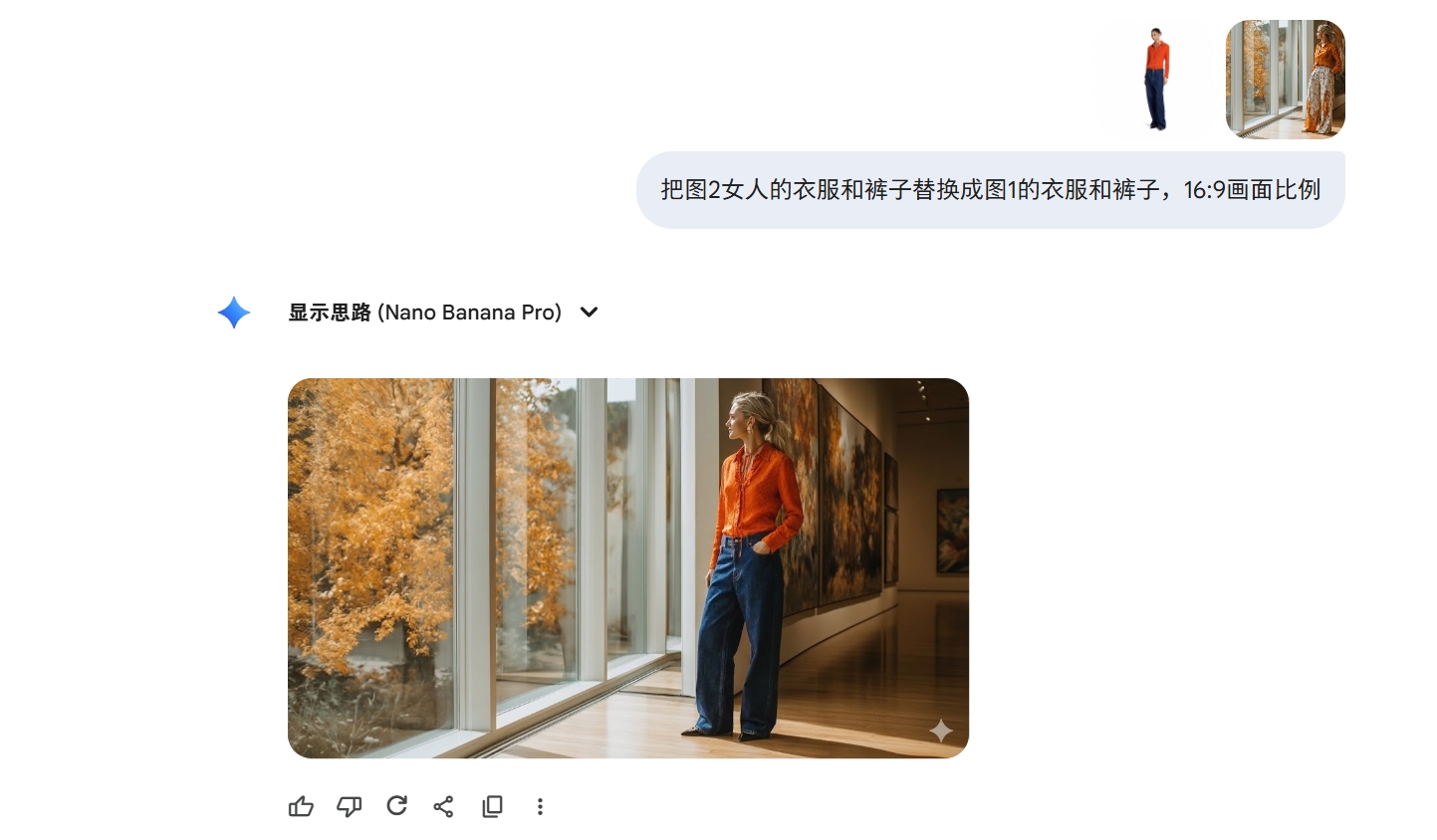
其他图片都是相同的方法进行替换
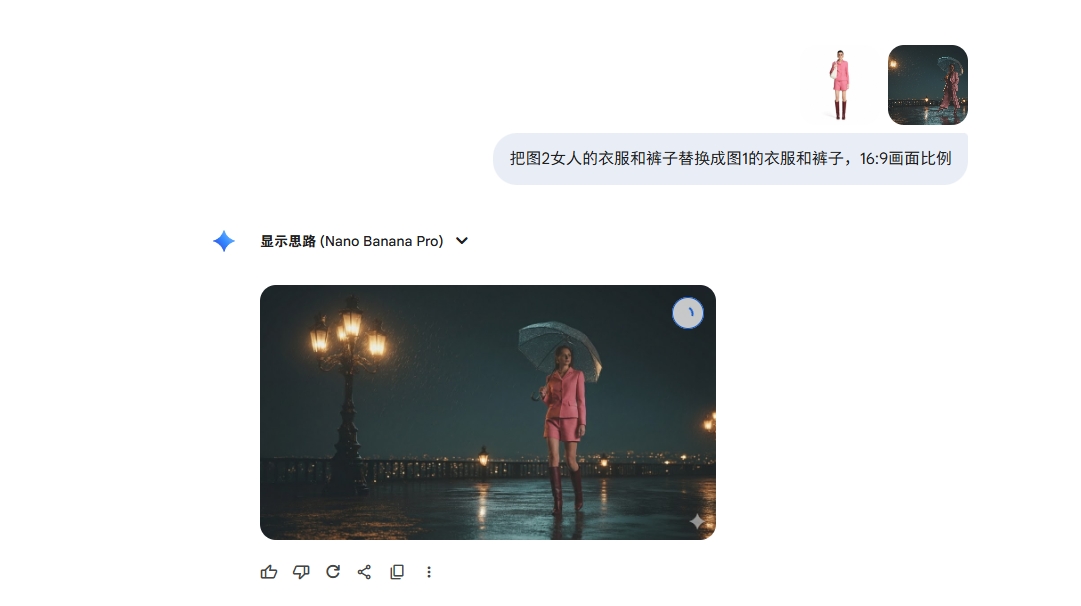
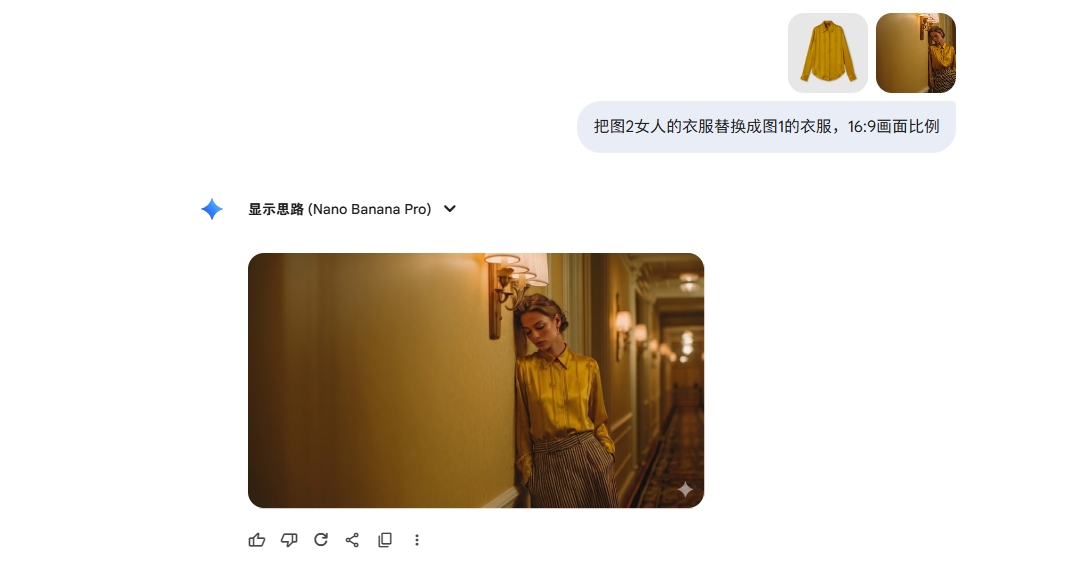
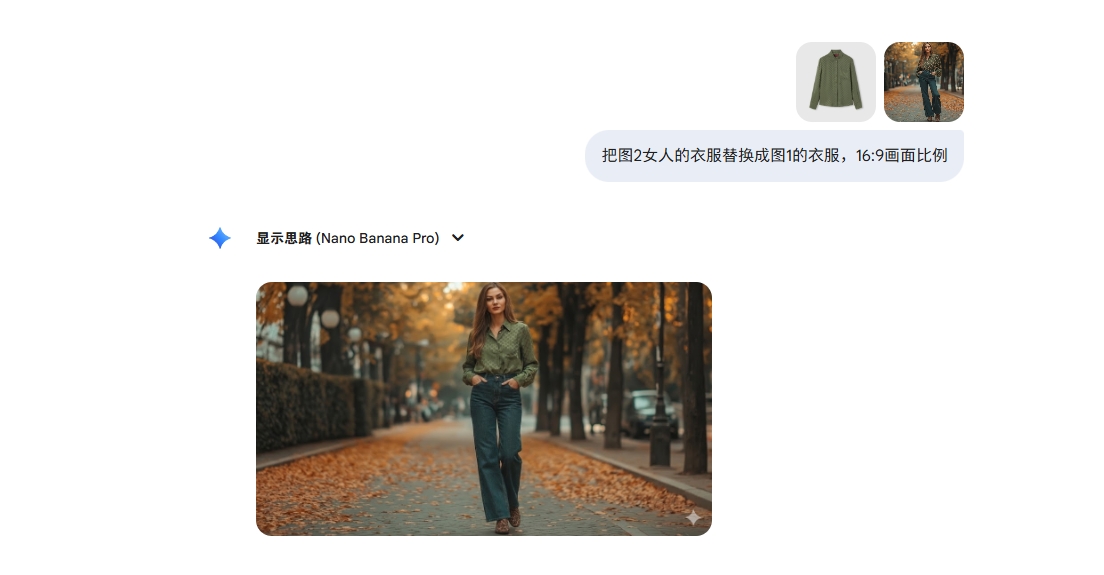
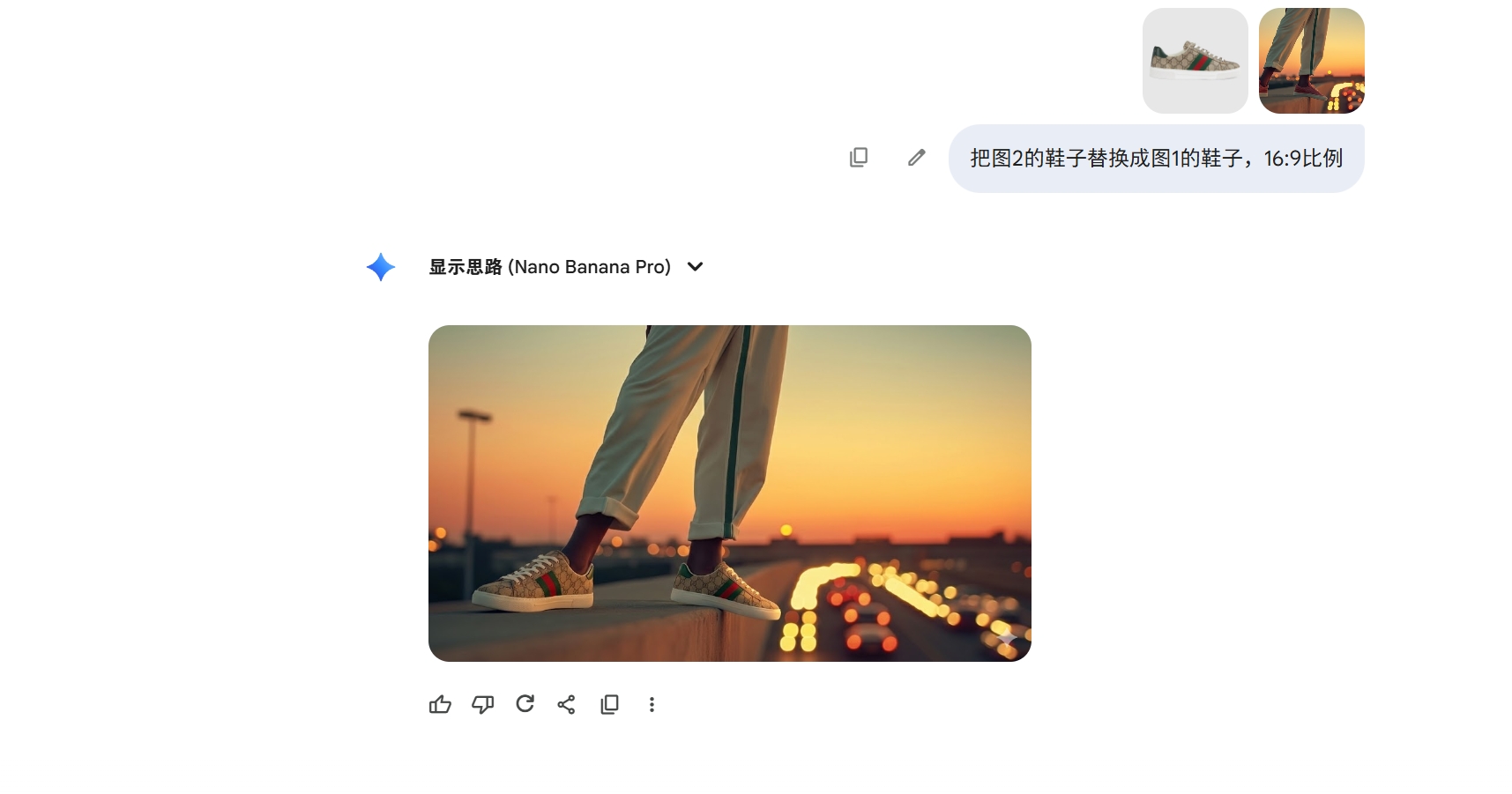
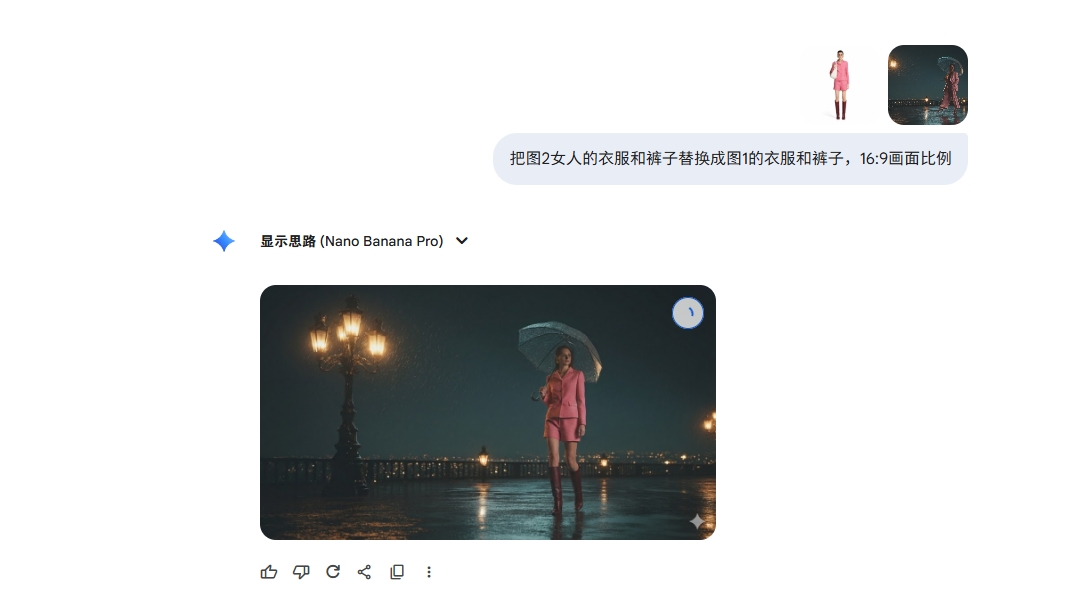
最后得到以下图片
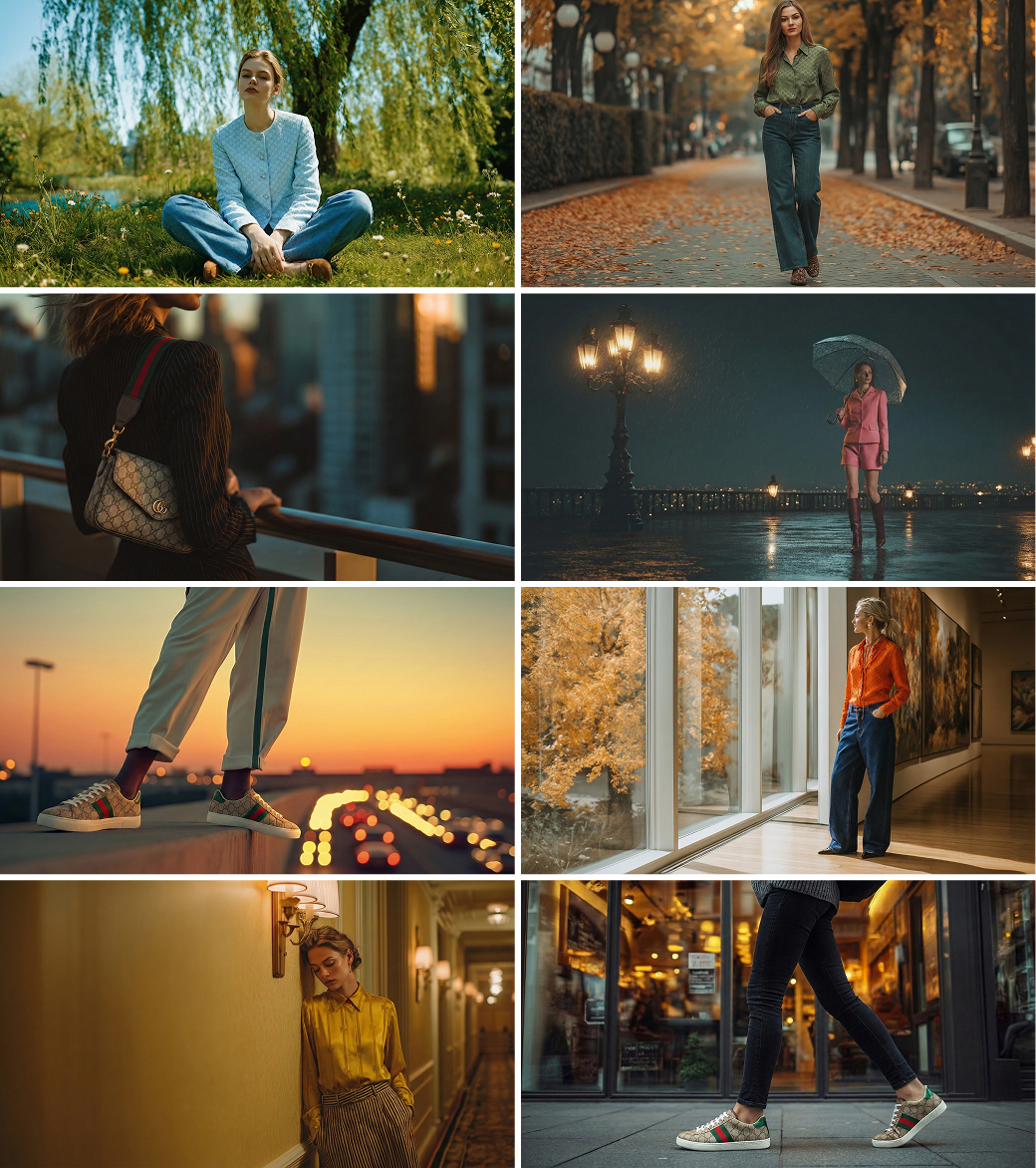
第四步:即梦生成视频,让静态图 “动” 成广告片
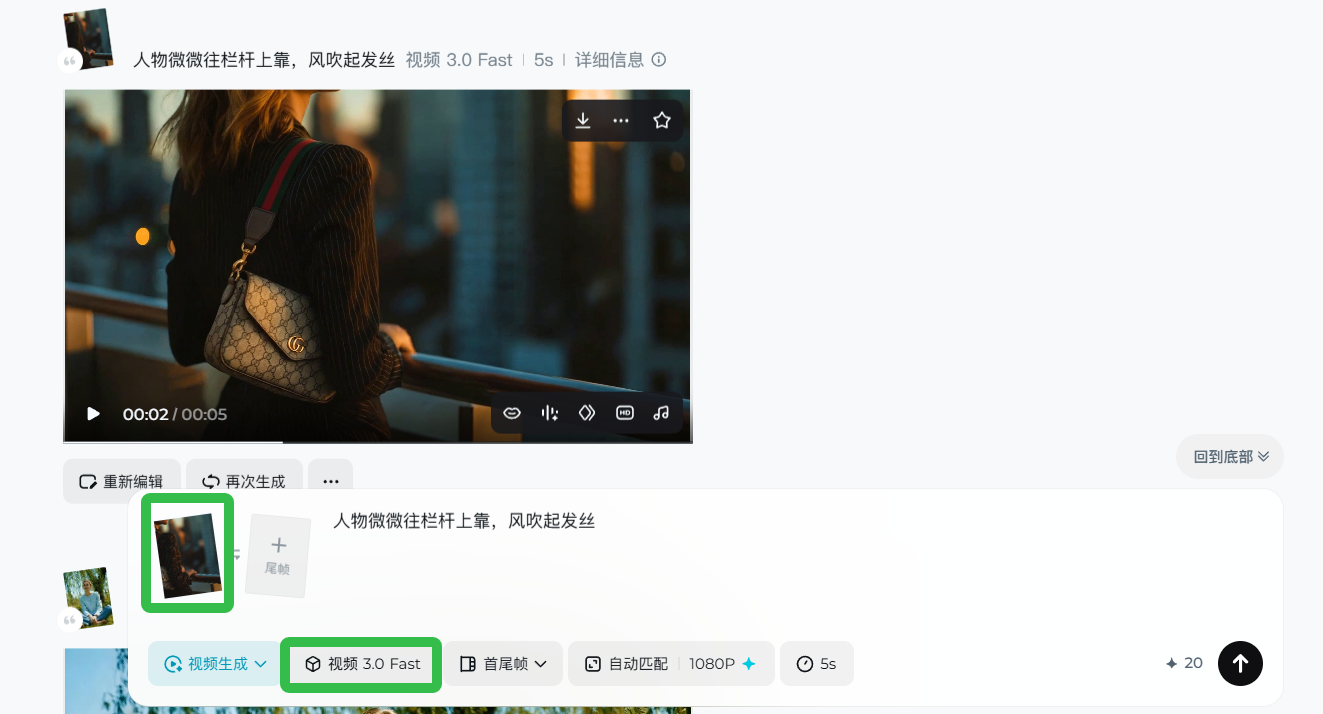
把替换好产品的图片上传进行生成,选用即梦3.0视频生成。
视频题提示词都较为简单,不做过多的讲解:
提示词:
人物微微往栏杆上靠,风吹起发丝
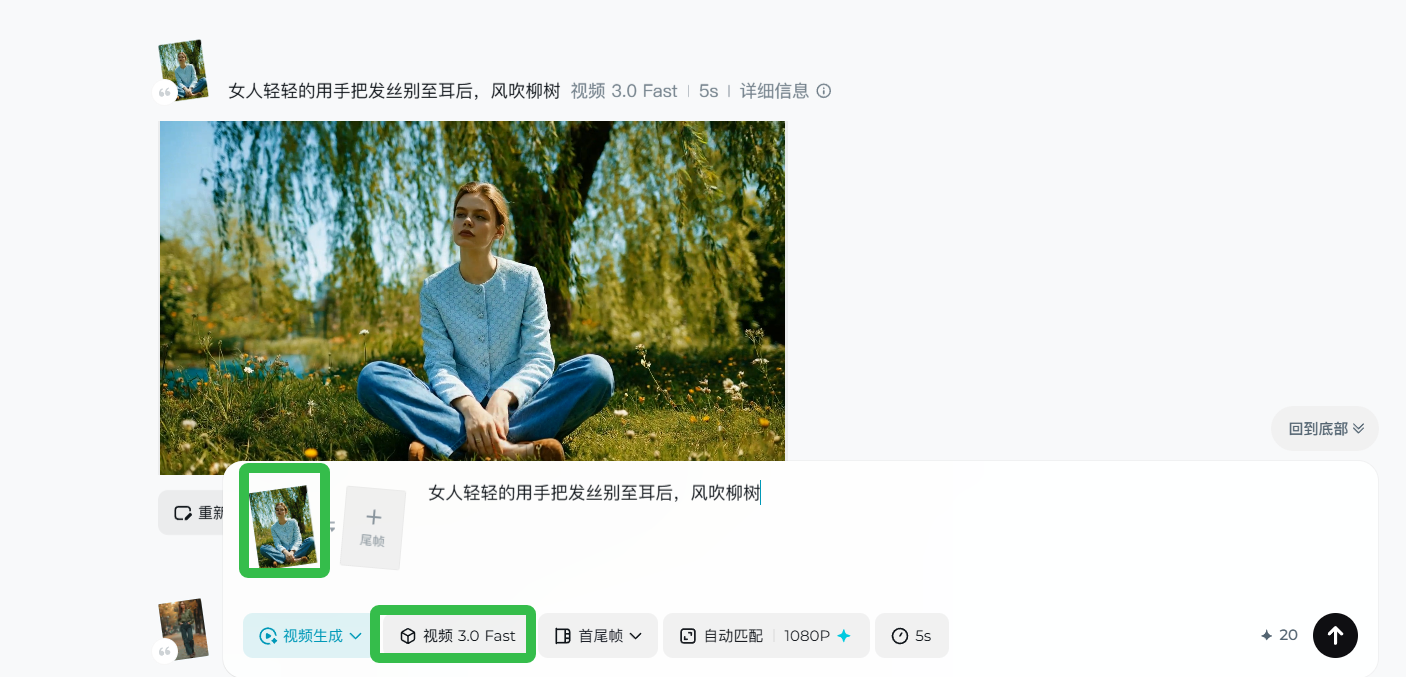
提示词:
女人轻轻的用手把发丝别至耳后,风吹柳树
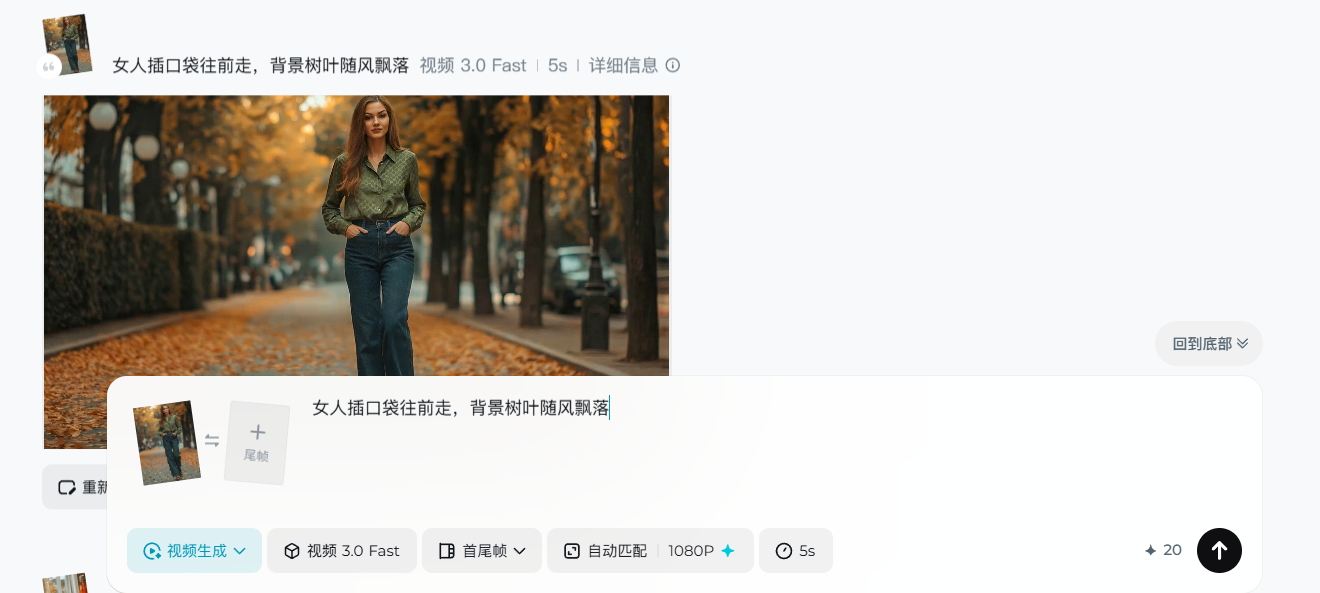
提示词:
女人插口袋往前走,背景树叶随风飘落
提示词:
女人目光看向镜头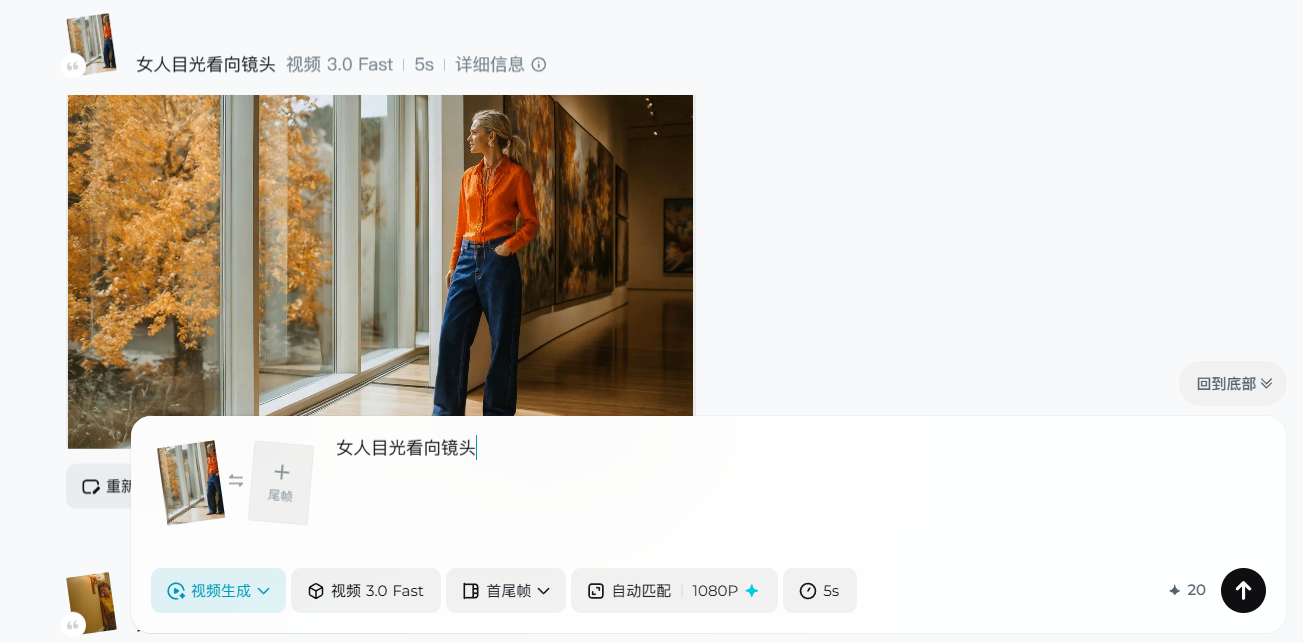
提示词:
女人微微抬头,目光看向镜头,镜头往右横移
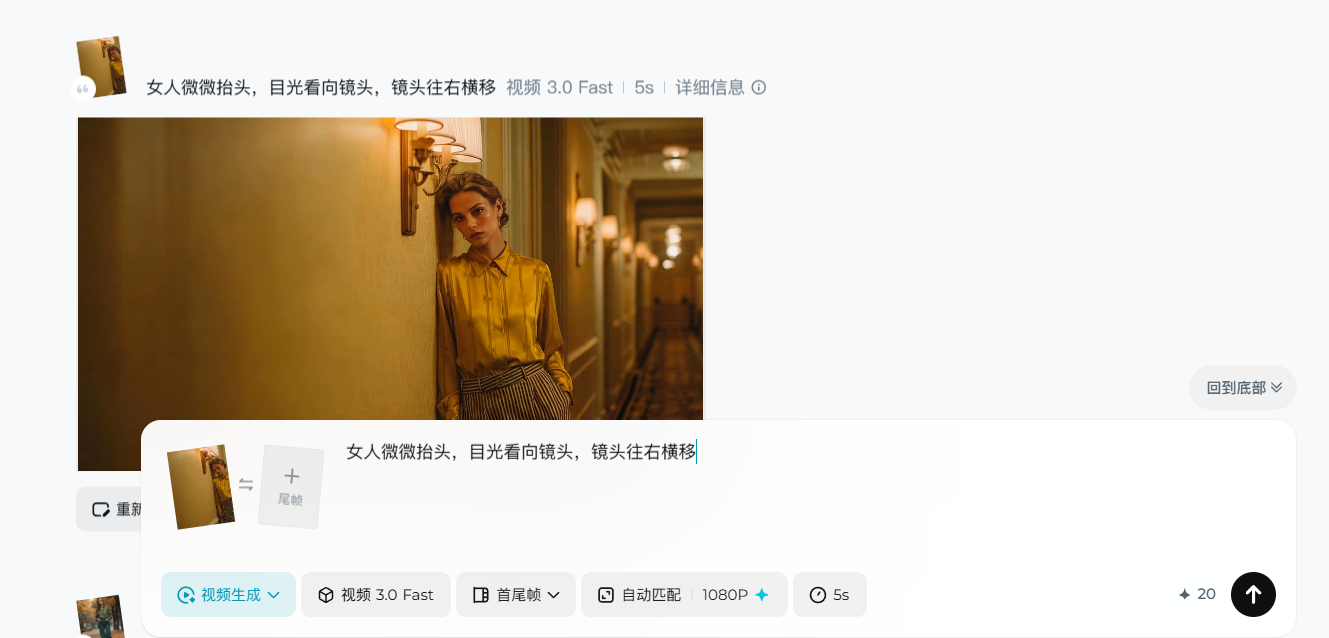
提示词:
女人插口袋往前走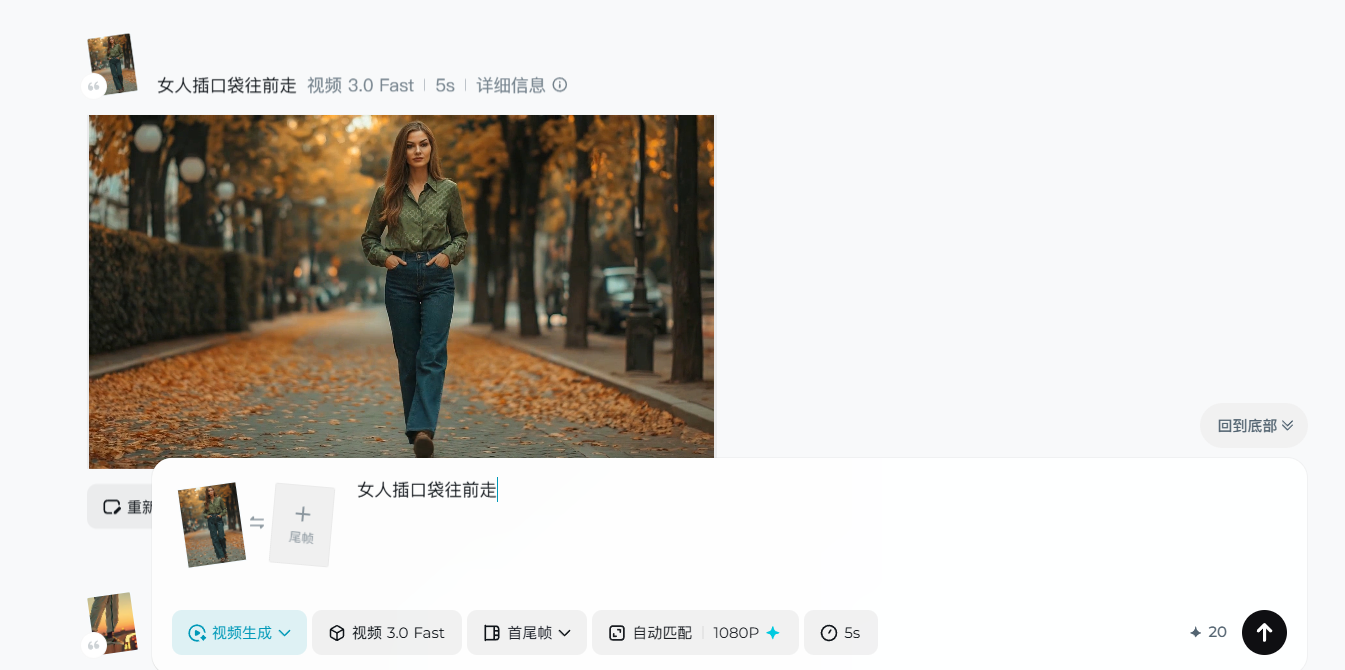
提示词:
另一只脚也踩在墙壁边缘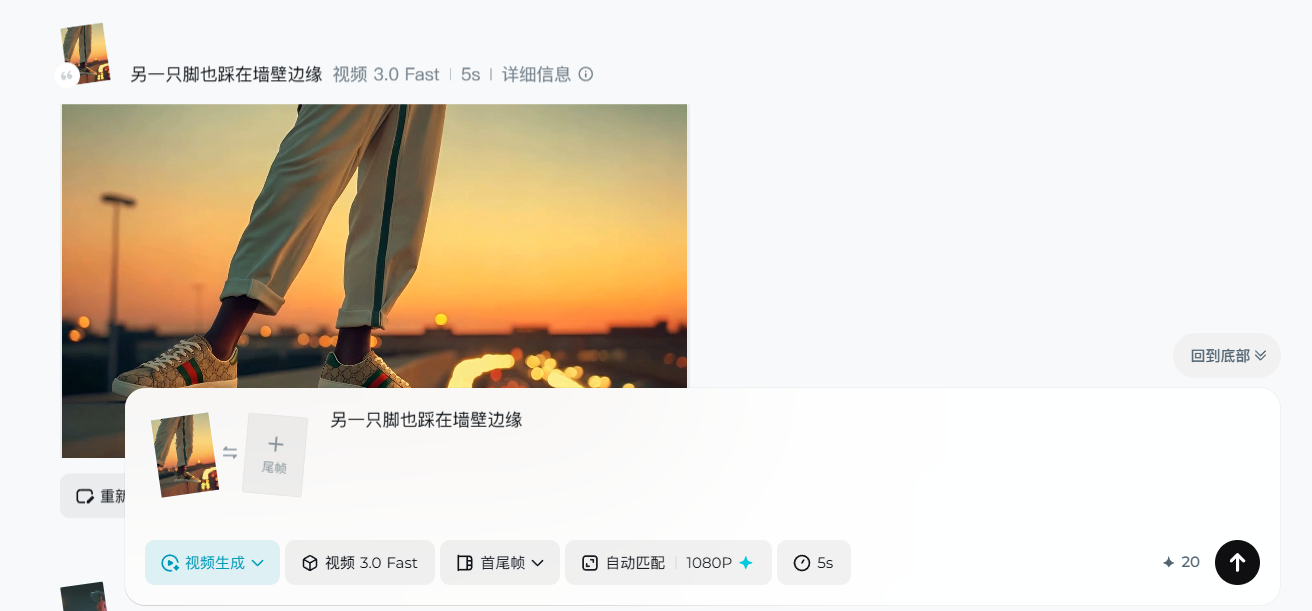
提示词:
女人撑着伞缓缓往前走
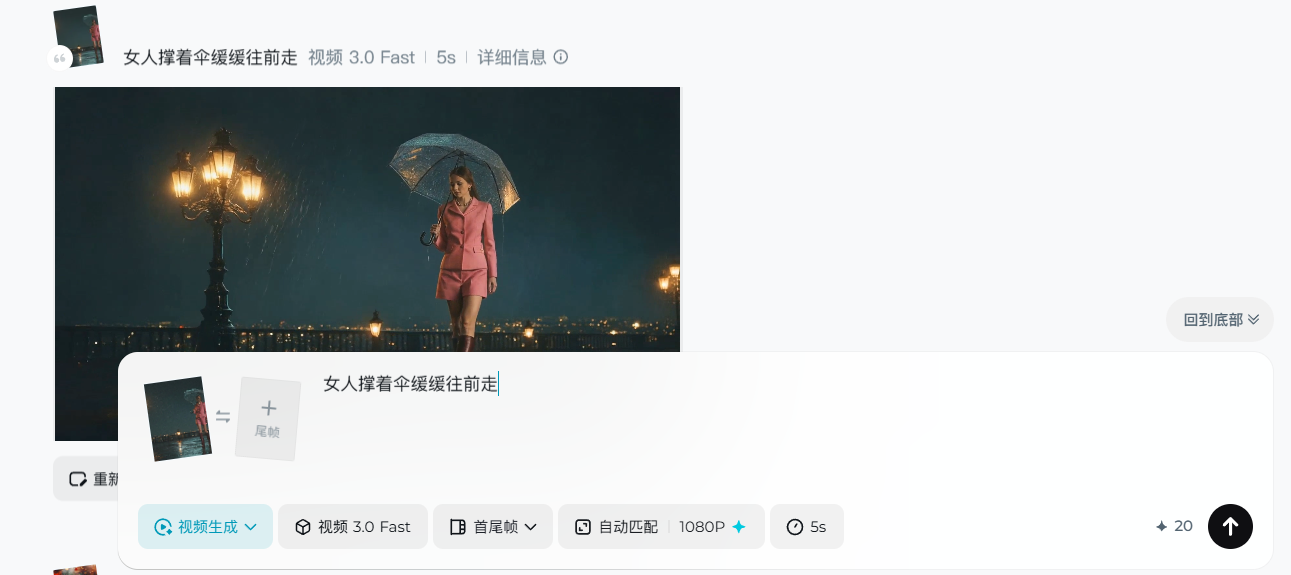
提示词:
落叶缓缓下落
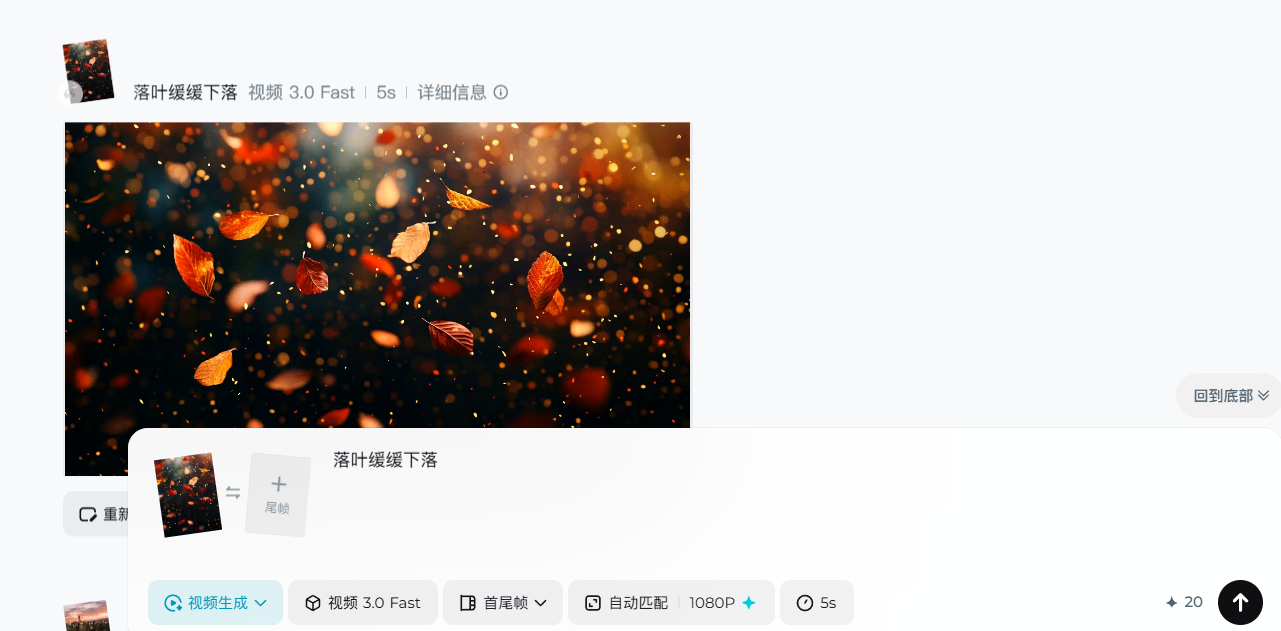
提示词:
镜头缓缓往前,车流流动,延时摄影 (重点是延时摄影,可以让ai理解视频想表达的意思)
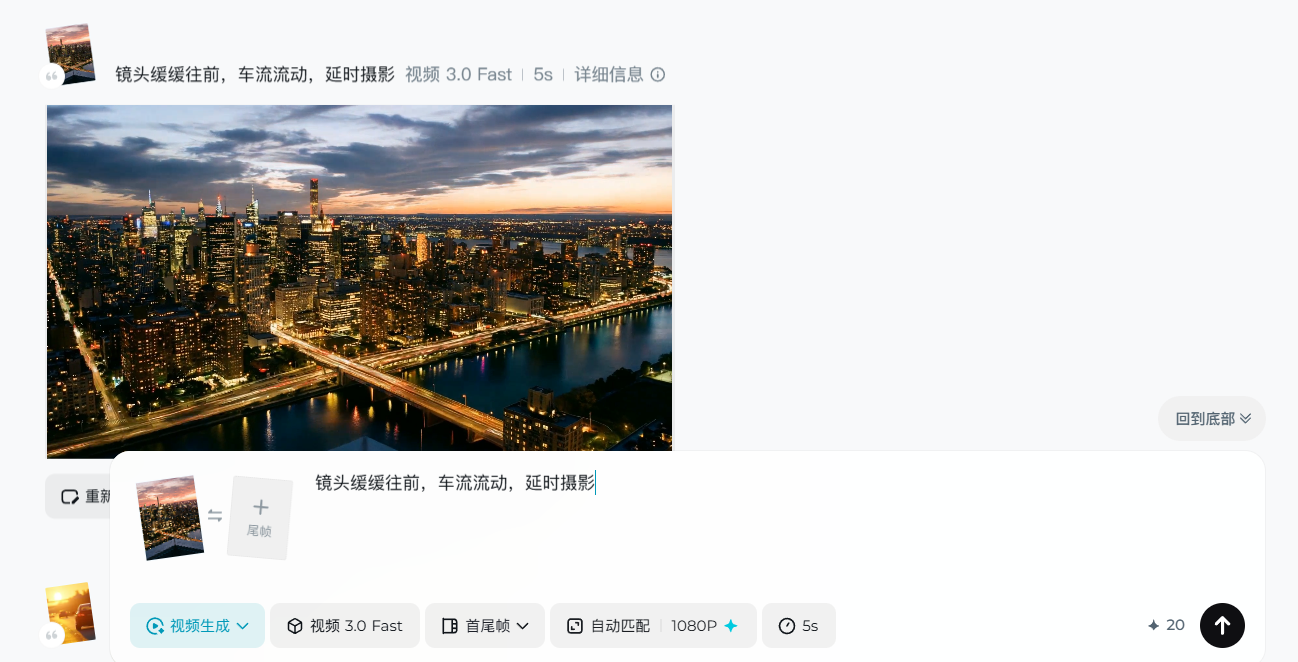
提示词:
镜头不动,车流流动,延时摄影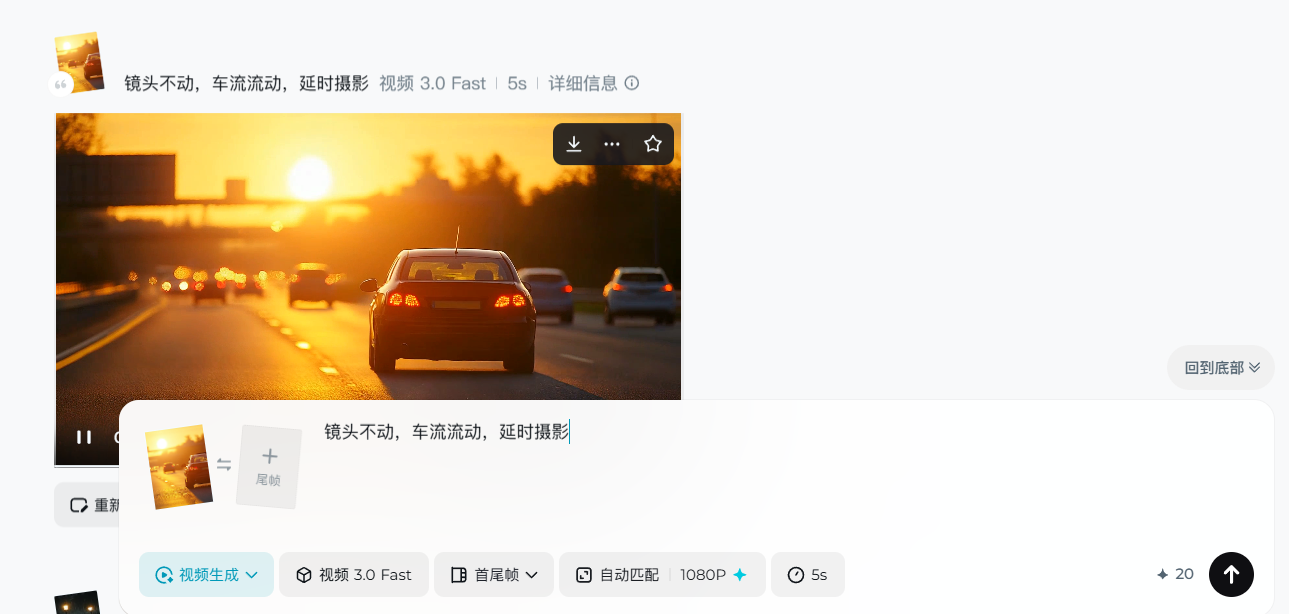
提示词:
镜头缓缓往上,雨下不停
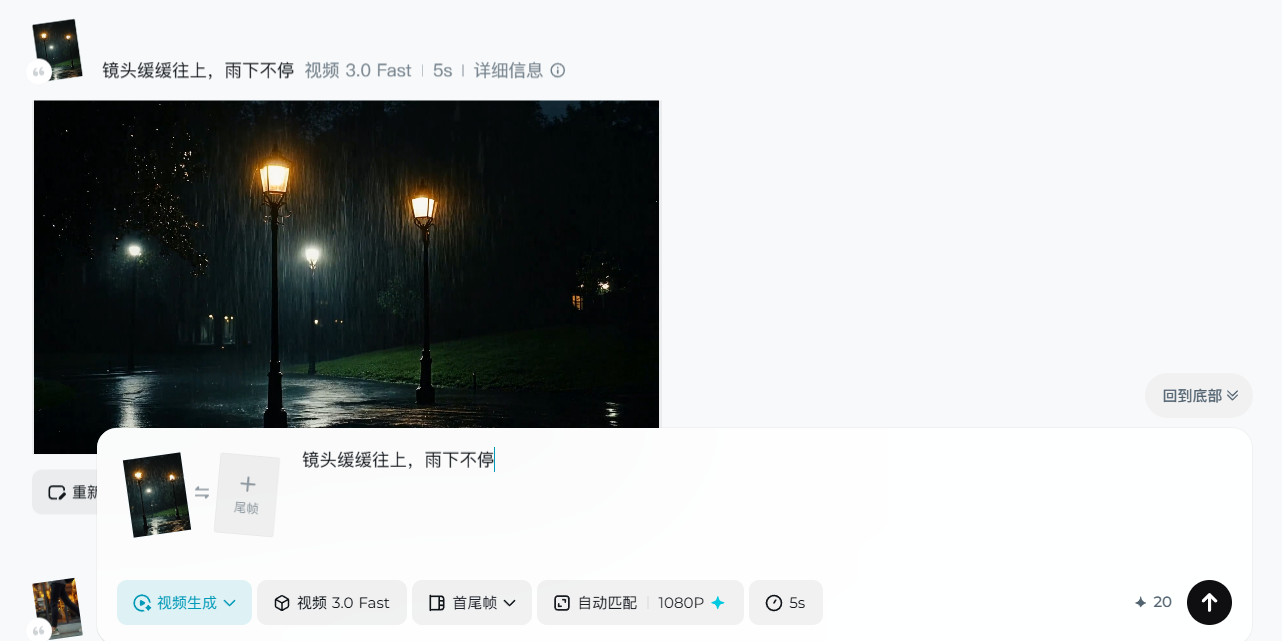
提示词:
玻璃上的水往下流,玻璃外车流流动
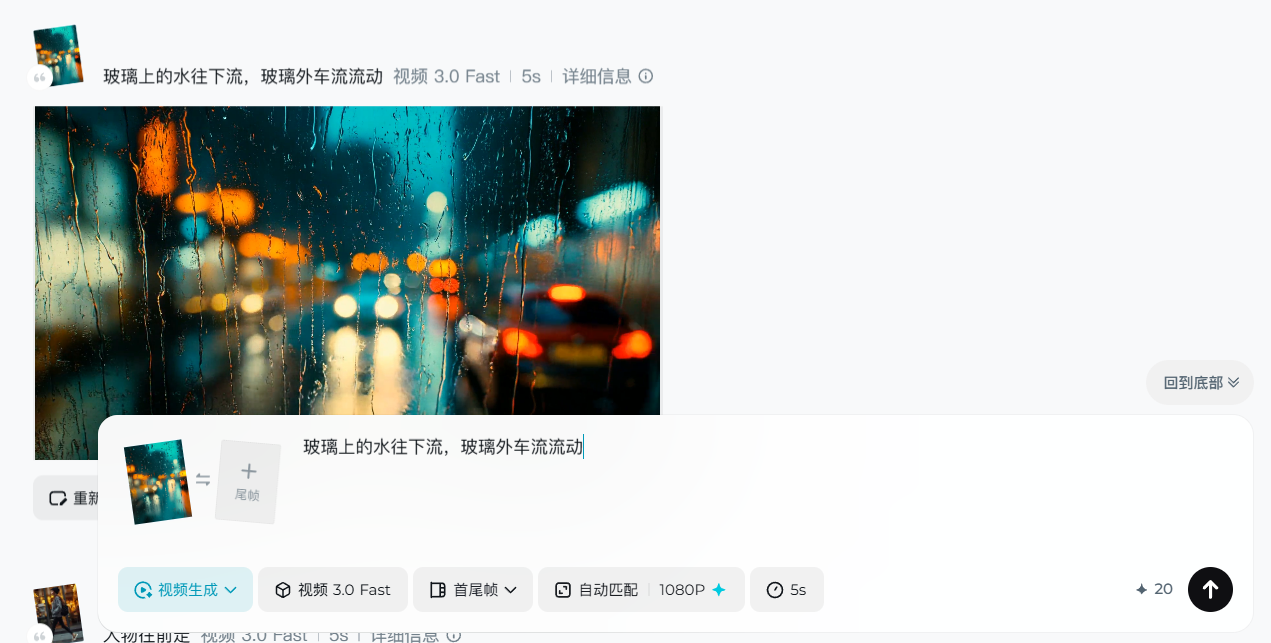
第五步:剪映收尾:横 + 竖版双交付
横版视频
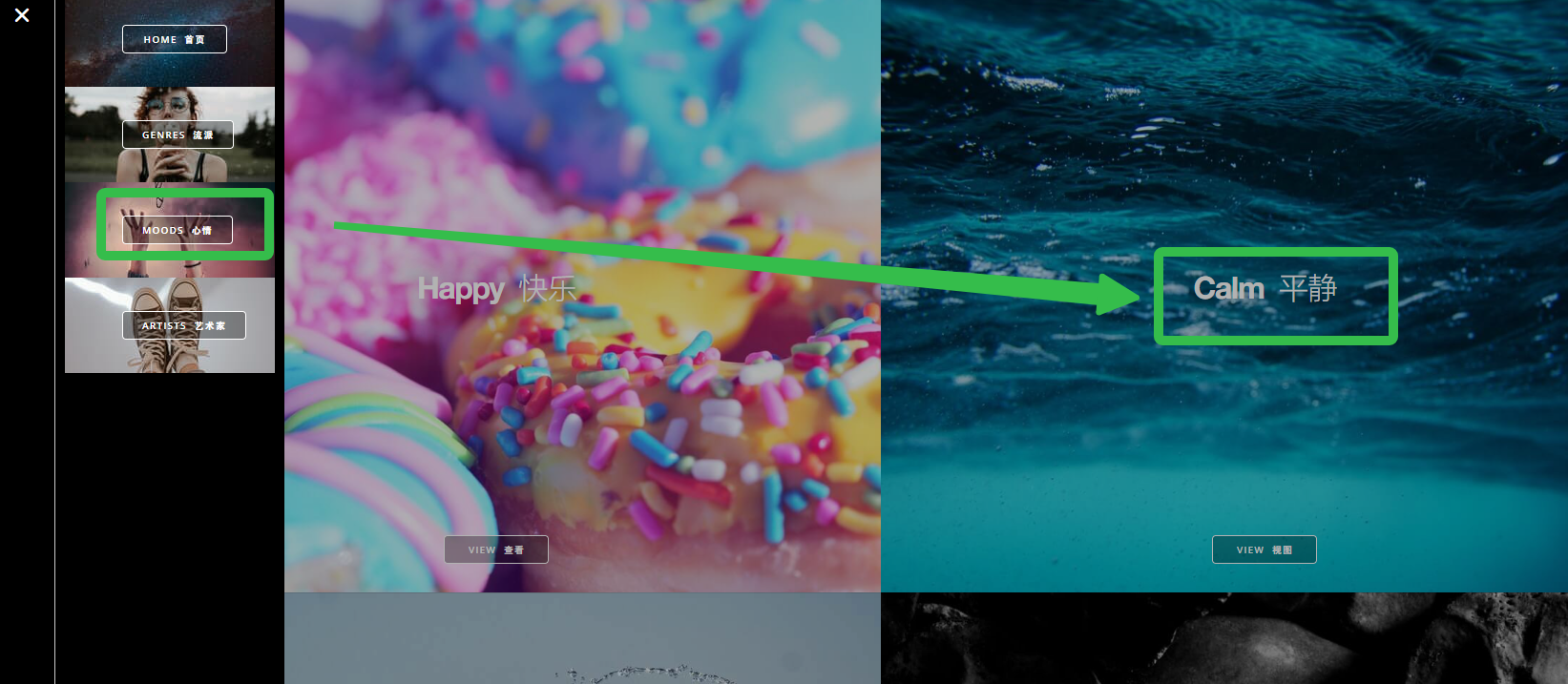
先网上找一个合适的bgm,这里我推荐一个免费的bgm网站(https://www.audiolibrary.com.co/)
建议选择这个风格的音乐
将素材全部导入
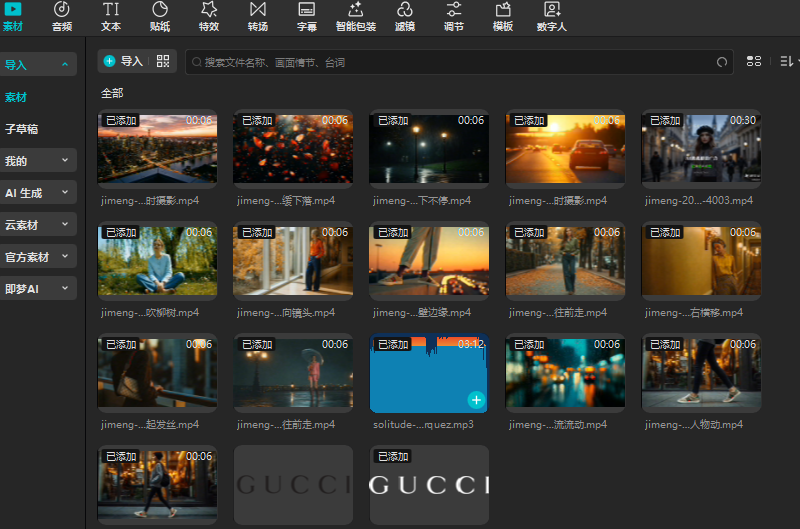
对视频进行踩节拍操作
这样就会自动生成卡点位置
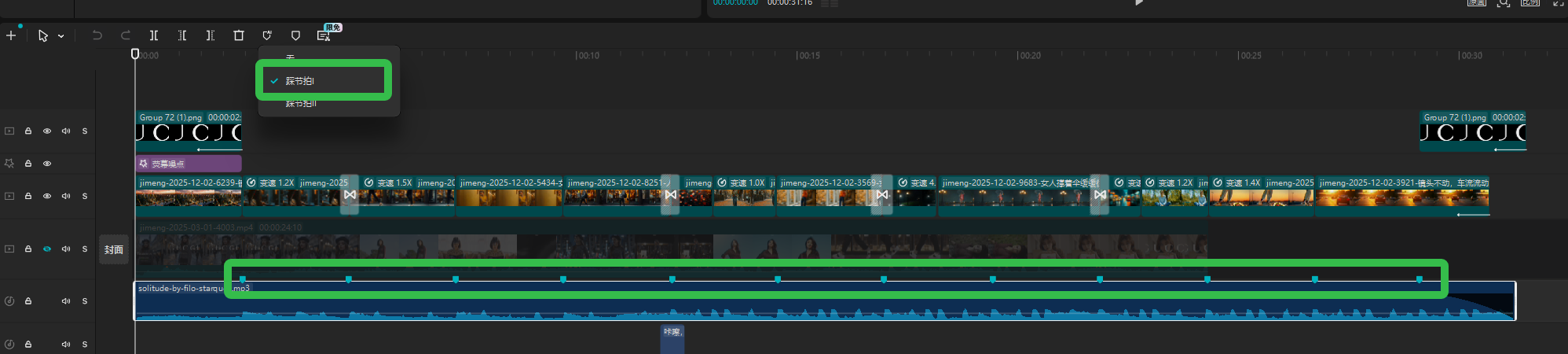
然后简单的将所有视频进行拼接
并且添加一些变速,使其对准卡点

再音效库里找一些对应画面的音效,比如“脚步声”,“车流声”,“落叶声”
这样可以使视频质感得到提升
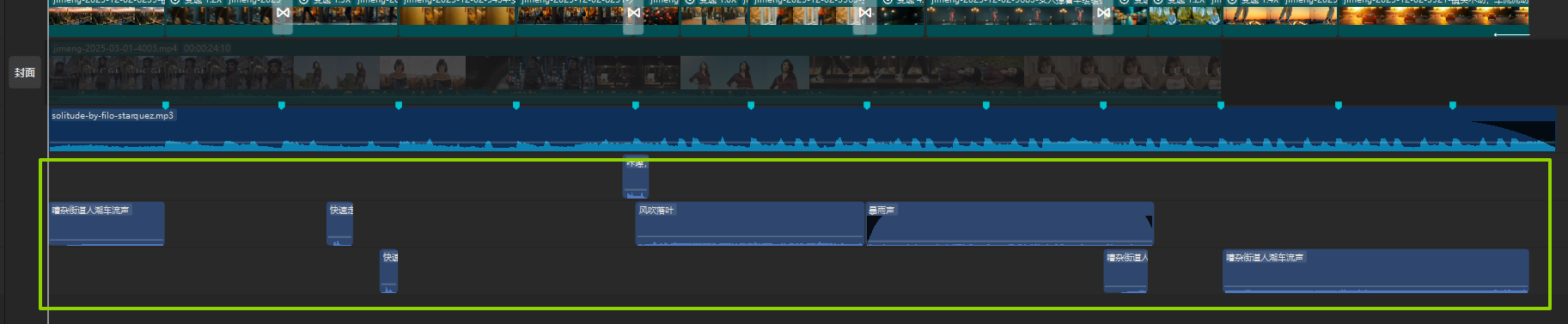
最后导出
竖版视频
新建一个工程文件,把素材全部导入(产品素材记得抠图)
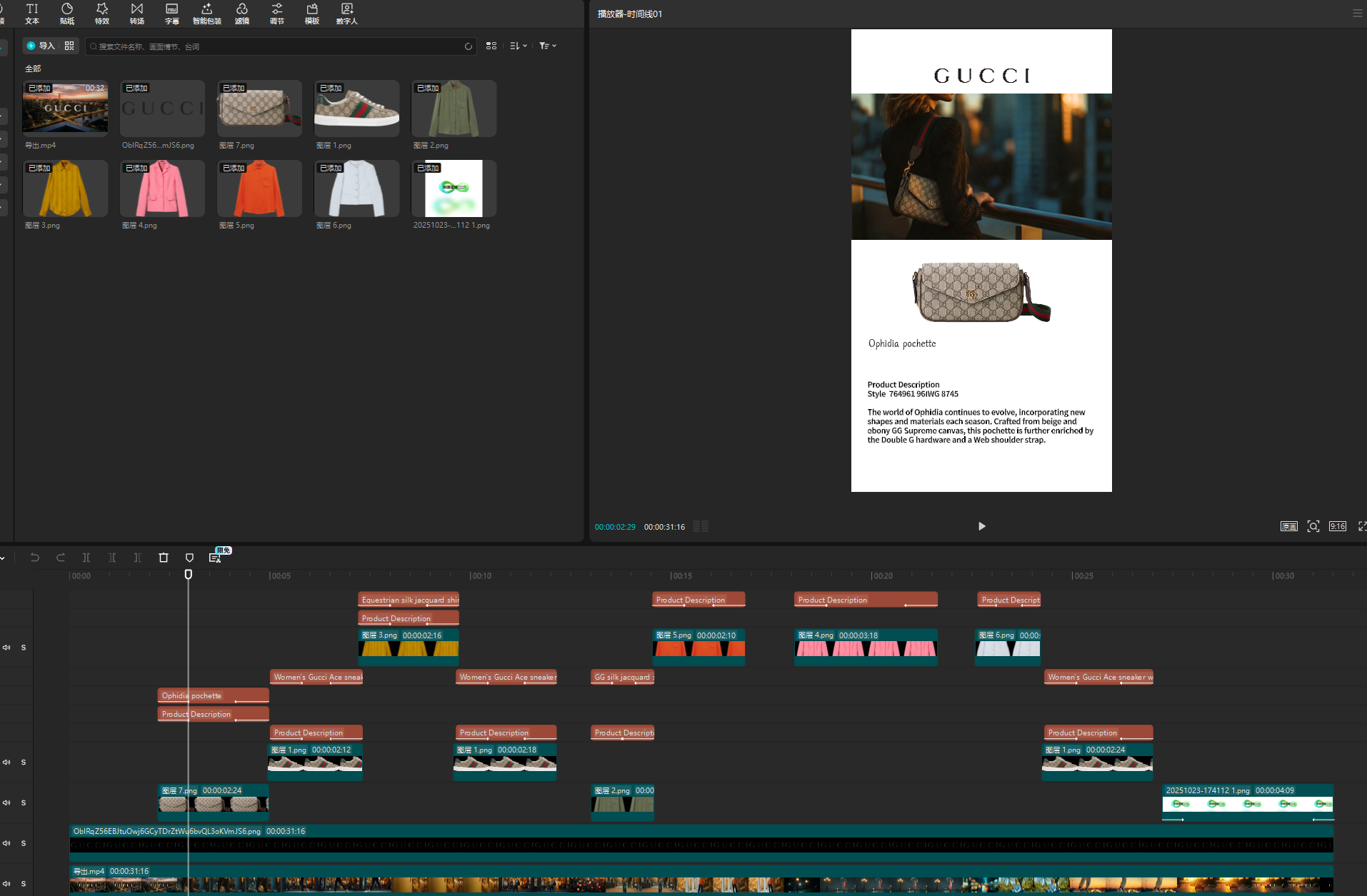
在图片的“位置”上添加关键帧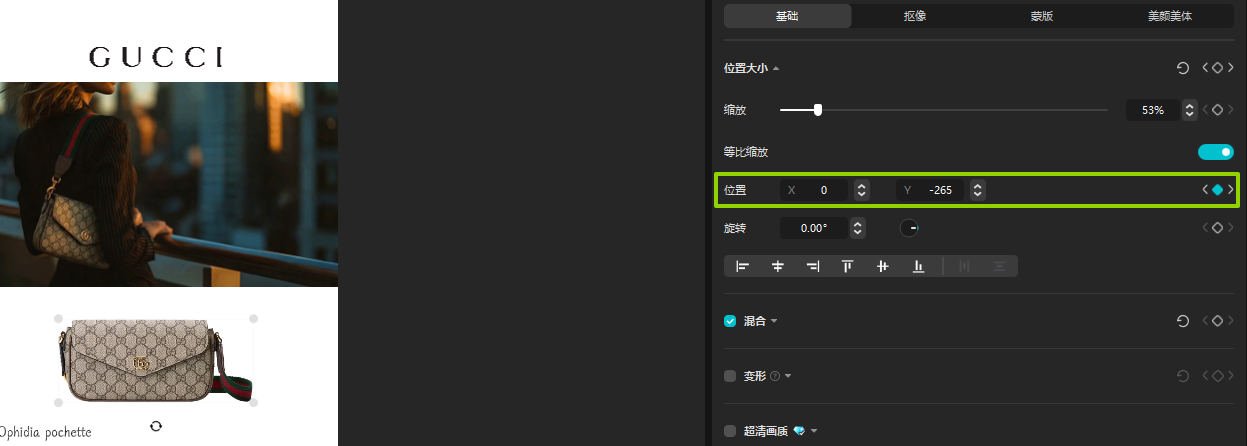
添加文本,随后并且添加入场,出场动画
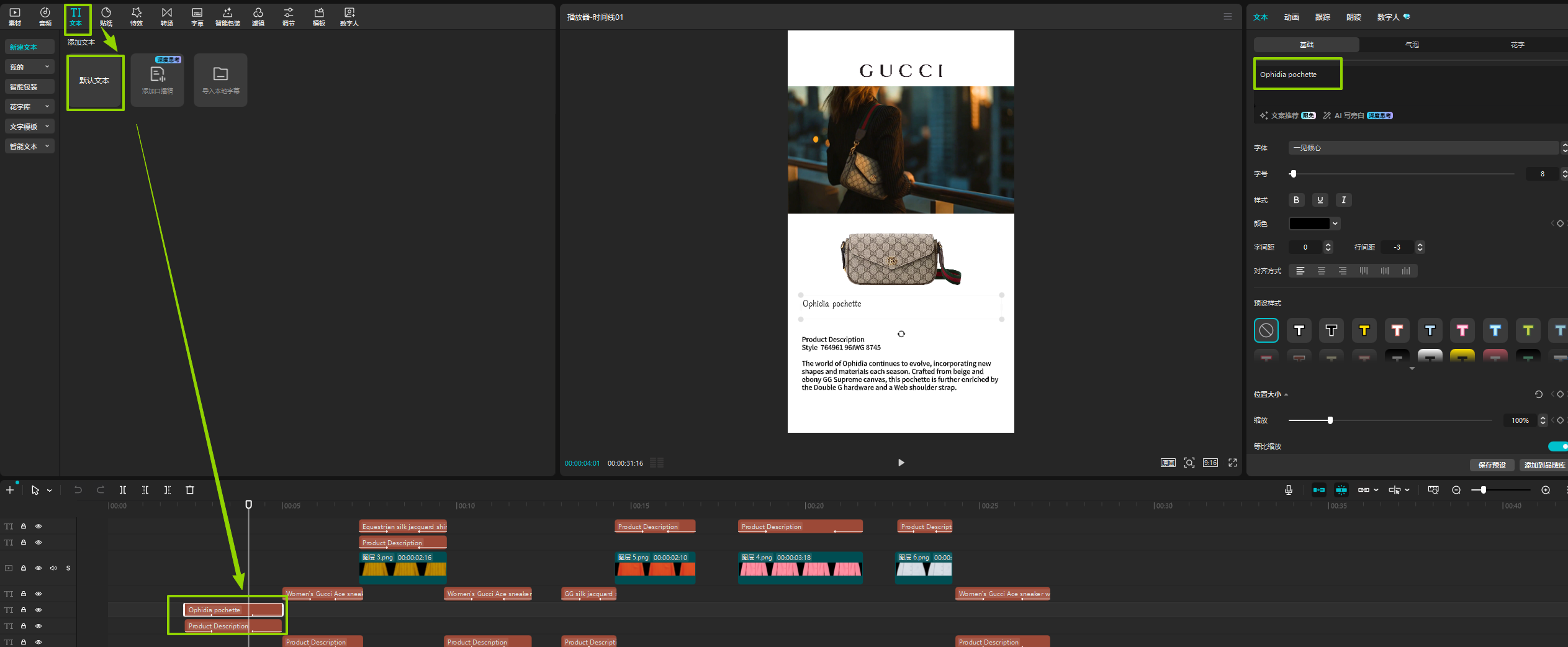
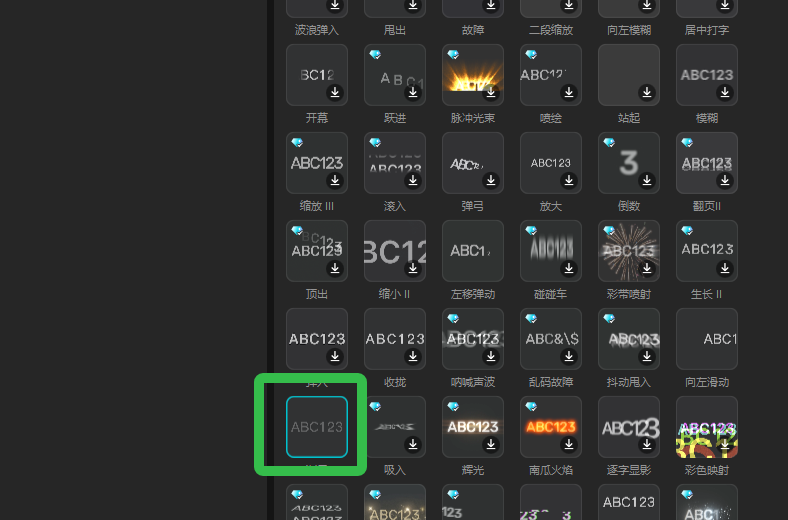
最后导出
【免责声明】 本课程内容仅为AIGC技术教学与案例分析之目的,所引用的品牌名称、商标、Logo、广告素材等均属各自权利人所有。本平台与所提及的任何品牌方不存在任何形式的合作、联名、代言或授权关系。课程内容仅供学习参考,不构成任何商业建议。如权利人认为内容涉及侵权,请联系我们(联系方式 WX:Xiaofengguwen010),我们将在核实后第一时间处理。
视频生成执行卡
把这节课压缩成一张可执行卡片:看重点、照步骤、避坑,再复制模板直接开做。
这节课不是先追求炫技成片,而是围绕「用 AI 做古驰广告?tiktok视频全流程」先把主体、动作、镜头和节奏稳住。
按原文节奏走最稳:先吃透「准备工具」,再把「第一步:先扒官网素材:锁定品牌 “标志性细节”(不翻车关键!)」定住,接着处理「第二步:MidJourney 造大牌氛围感底图」;最后用「第三步:Nanobanana Pro 无缝换品,还原品牌质感」收口。
- 先把「准备工具」里的主体和动作定死。
- 这一段重点看镜头和节奏,别急着炫技。
- 做完「第二步:MidJourney 造大牌氛围感底图」后,先查连贯性和穿帮。
- 先把「第三步:Nanobanana Pro 无缝换品,还原品牌质感」里的主体和动作定死。
- 做完「第五步:剪映收尾:横 + 竖版双交付」后,先查连贯性和穿帮。
不要一上来就生成最终片;先拆镜头、定主体和运动,再逐段生成,否则容易跳轴、穿帮、节奏混乱。
检查主体是否稳定;镜头运动是否明确;前后画面是否连贯;节奏是否服务主题;是否有明显变形或穿帮。
请围绕「用 AI 做古驰广告?tiktok视频全流程」帮我做一个可直接执行的方案。
我的目标是:【填写你的具体目标】
我的素材/产品/角色信息是:【填写已有素材和限制】

请输出:核心创意、分镜表、每个镜头的画面描述、视频生成提示词、剪辑顺序和成片自检清单。要求主体稳定、动作明确、镜头连贯。